

Rust Twitch Drops Guide: How to Earn and Claim Free Skins

Rust Twitch Drops Guide: How to Earn and Claim Free Skins
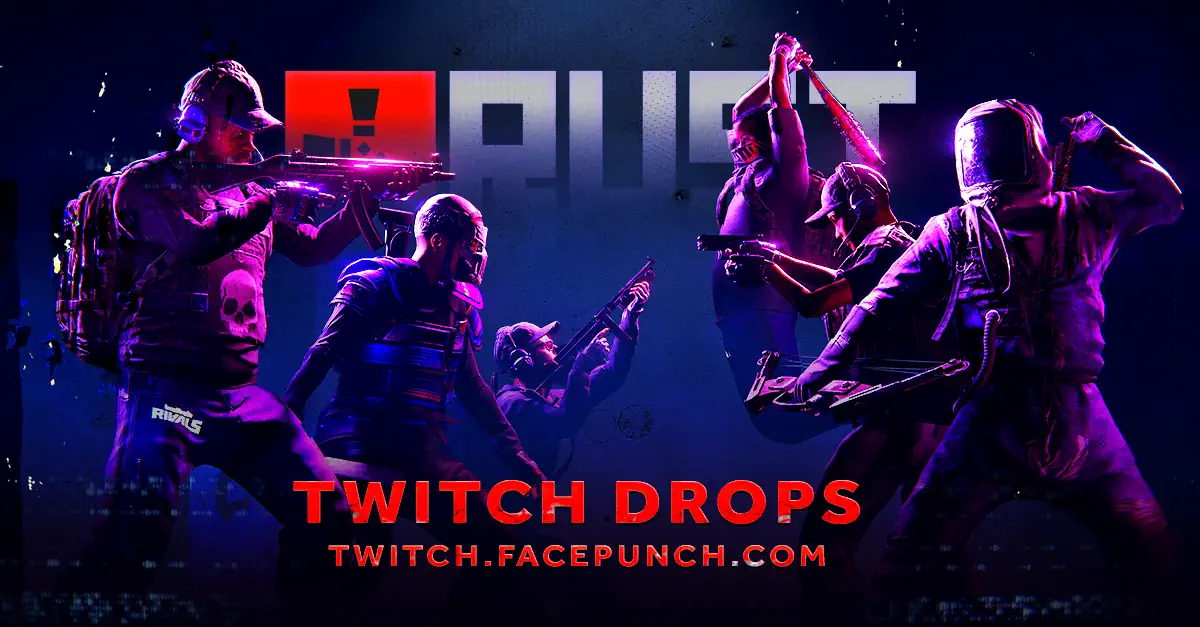
Rust Twitch Drops are one of the easiest ways to add new skins to your inventory without buying them from the Steam Market.
The idea is simple:
Link your accounts, watch an eligible Rust streamer, and claim the reward once the required viewing time is complete.
The part that catches many players out is timing.
Drop campaigns do not stay active forever, and some rewards only track on specific channels.
Setting everything up before you start watching can save a lot of frustration later.
1. Make Sure a Campaign Is Actually Running
Before opening Twitch, check the official Rust Drops page.
Not every week has an active campaign, and watching Rust streams outside an event will not unlock anything.
The campaign page normally shows:
- When the event begins and ends
- Which skins are available
- How long each reward takes
- Which streamers are eligible
- Whether your accounts are connected correctly
Dates matter.
Once an event ends, unfinished progress is usually lost.
Always check that a campaign is currently active before spending hours watching a stream.
2. Link the Correct Steam Account
You need both Twitch and Steam connected before your viewing time can count properly.
Open the official Facepunch Drops page, select the account connection option, and sign in to both services.
Double-check the Steam account before confirming anything.
It needs to be the account where you own Rust.
Linking an old account, an alternate account, or the wrong Steam profile can cause the reward to appear somewhere you never use.
Be careful with search results and unofficial links as well.
Fake giveaway and drop pages are often designed to collect Steam login details.
Only connect through official Facepunch, Steam, and Twitch pages.
3. Choose a Stream That Can Award Drops
Once the accounts are connected, open the Rust category on Twitch.
Look for a channel carrying the Drops Enabled label.
There are usually two types of rewards during a campaign.
General Drops
General drops can usually be earned by watching almost any eligible Rust streamer participating in the event.
Creator Drops
Creator drops are tied to one specific channel.
If you want that particular skin, watching another streamer will not count, even if their channel also has drops enabled.
Check the reward description before settling into a stream.
It is easy to spend several hours watching the wrong creator without making progress toward the skin you actually want.
4. Let the Required Watch Time Complete
Each item has its own viewing requirement.
One skin might unlock after two hours, while another may require a longer session.
Campaigns do not always use the same schedule, so do not assume every reward takes the same amount of time.
You must remain signed in to the Twitch account linked to Facepunch.
Leaving the stream closed, signing into another account, or allowing the stream to stop can interfere with progress tracking.
You do not need to stare at the screen every second, but the stream should remain active and eligible.
5. Do Not Open Five Streams at Once
Watching several channels will not multiply your progress.
Only one eligible Rust stream can contribute viewing time at any moment.
Opening four tabs does not turn one hour into four hours.
At best, one stream will count.
At worst, Twitch may track a different channel from the one you expected.
Stick with one stream until the reward is complete.
When you need a creator-specific drop, switch to that creator afterward instead of trying to earn everything at the same time.
6. Check That Progress Is Moving
Do not wait until the end of the day to discover that nothing was tracking.
Open the Twitch Drops Inventory occasionally and confirm that the percentage is increasing.
The page shows:
- Your active reward
- Current completion percentage
- Items already finished
- Rewards waiting to be claimed
- The campaign expiration date
When the bar is not moving, check whether the channel is eligible and whether Twitch is using the correct account.
Catching the problem after ten minutes is much better than noticing it after four hours.
7. Claim Rewards as Soon as They Finish
Reaching 100% does not always place the skin directly into Rust.
Open the Twitch Drops Inventory and select Claim on the completed reward.
Do this as soon as possible.
Some campaigns use a reward chain, meaning the next item may not begin tracking until the previous one has been claimed.
Leaving a finished drop sitting in the inventory can delay everything after it.
A good habit is checking the page whenever a viewing requirement finishes.
8. Give Steam a Few Minutes
After claiming the item on Twitch, it should transfer to the Steam inventory linked to your Rust account.
The process is not always instant.
Small delays are normal, especially during large campaigns where thousands of players are claiming rewards at the same time.
When the skin still has not appeared after a reasonable amount of time, return to the official Drops page.
Check the account connection again and use the available option to check for missing rewards.
9. Troubleshoot Missing Drops in the Right Order
When a skin does not arrive, avoid randomly disconnecting everything immediately.
Work through the most common causes first.
Confirm that:
- The correct Steam profile is linked
- Rust is owned on that Steam account
- The reward was manually claimed on Twitch
- The campaign was still active
- The correct channel was being watched
- Viewing progress reached 100%
- Steam is not simply experiencing a delay
Players may sometimes earn rewards before owning Rust and receive them after purchasing the game.
However, rewards must still be redeemed within the allowed time period.
Waiting too long can mean losing access to the reward.
10. Equip the Skin in Rust
Once the reward appears in your Steam inventory, launch Rust.
You can use the skin when crafting the supported item or applying it through an available reskinning method.
Each drop is created for a specific item.
A weapon skin cannot be applied to every weapon, and clothing skins only work with their matching equipment.
These rewards are cosmetic only.
They change the appearance of an item but do not increase damage, provide extra protection, or create a gameplay advantage.
Why Your Twitch Drop May Stop Progressing
Progress bars can sometimes appear frozen even while the stream is still open.
Common causes include:
- The streamer stopped playing Rust
- The channel no longer has Drops Enabled
- Twitch logged you out
- Another stream became the active channel
- The campaign expired
- You are watching the wrong creator
- The previous reward still needs to be claimed
Refreshing the Drops Inventory page can help determine whether the display is simply delayed.
When nothing changes after several minutes, switch to another confirmed eligible stream and check again.
General Drops and Creator Drops Are Different
This is the detail many players overlook.
General rewards usually track across a broad group of participating Rust channels.
You can often move between eligible streams without losing progress already earned.
Creator rewards are more restrictive.
They are attached to one streamer, and only time spent watching that specific channel counts.
Always complete creator-specific skins before the campaign is close to ending.
A streamer may change schedules, go offline, or stop broadcasting before you finish the required hours.
Can You Earn Drops on Mobile?
Twitch viewing on mobile may count as long as you are signed into the correct account and watching an eligible stream.
Even so, it is worth checking the Drops Inventory after a few minutes.
Mobile apps can pause streams in the background, especially when battery-saving settings are active or another application takes control of audio playback.
Keeping the stream visible and active gives you the best chance of uninterrupted tracking.
Tips to Get Every Rust Twitch Drop
If you want to collect an entire campaign, preparation matters.
Before watching:
- Connect Twitch and Steam first
- Check the campaign dates
- Look at all available rewards
- Identify creator-specific skins
- Choose the correct streamer
During the campaign:
- Check progress regularly
- Claim completed rewards immediately
- Avoid switching accounts
- Use only eligible streams
- Do not rely on multiple tabs
These small steps prevent most problems players experience with Twitch Drops.
Final Thoughts
Rust Twitch Drops are easy to earn once everything is connected correctly.
Check the active campaign, link the correct accounts, choose an eligible channel and keep track of your progress.
Claim rewards as soon as they reach completion, especially when later drops depend on earlier ones being claimed.
The biggest thing to understand is the difference between reward types.
General skins can usually be earned across multiple participating channels, while creator skins require watching one specific streamer.
Set everything up before the campaign begins and collecting free Rust skins becomes mostly a matter of leaving the correct stream open.
0 Comments
Recommended Comments
There are no comments to display.