Product Images
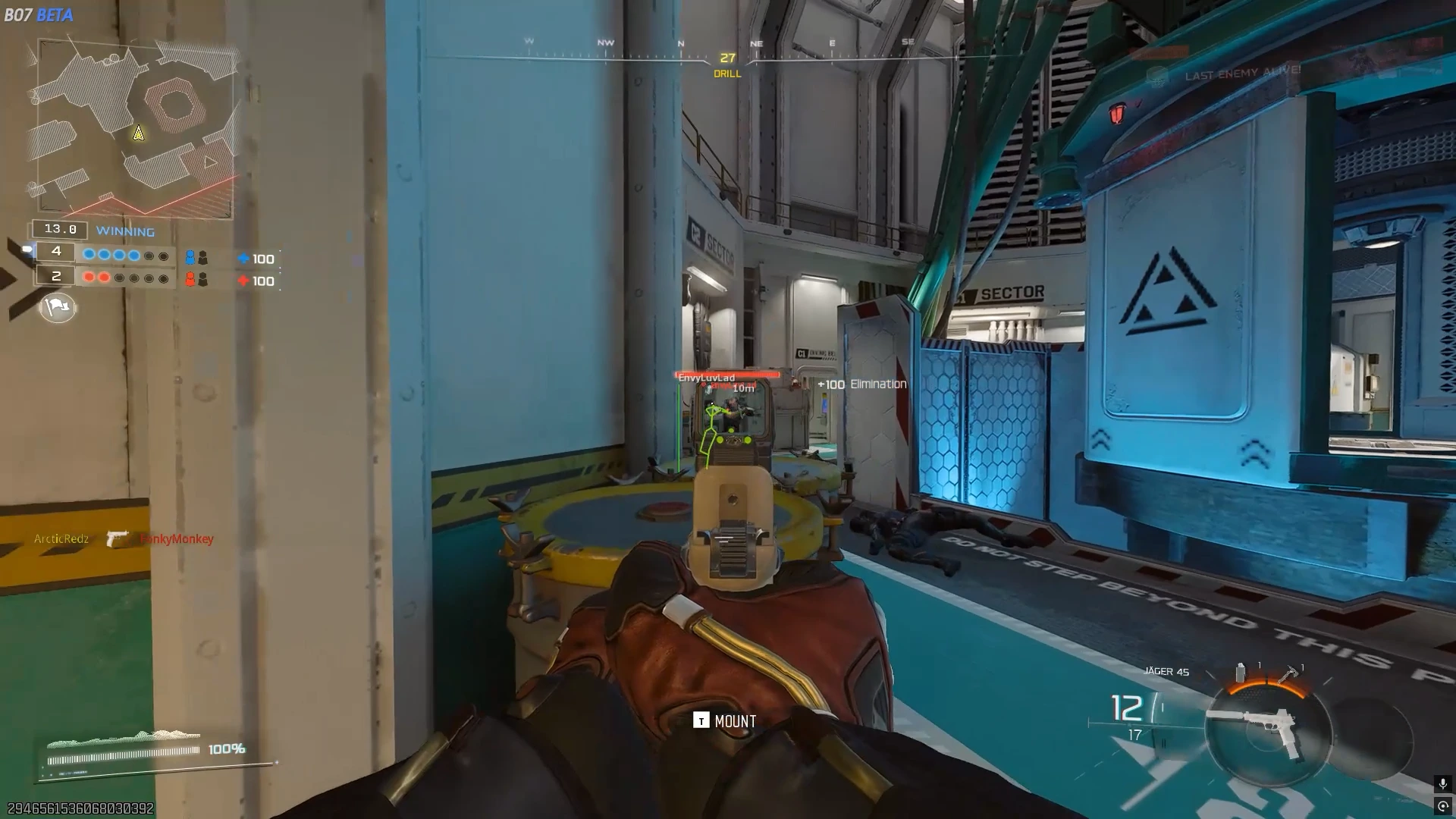
BO7 Ignite
- Instant Delivery
-
Undetected
Requirements
-
Operating System
Windows 10/11 Supported.
All Windows Versions Except Windows 11 25h2.
-
Processors
ALL CPUs Are Supported.
All Intel and AMD CPUs are supported.
-
Spoofer Included
No Spoofer Included.
This Product doesn't include a built in spoofer.
-
Cheat Type
External
This Product is fully external and doesn't touch game memory.
BO7 Ignite – The Most Trusted Black Ops 7 Cheat
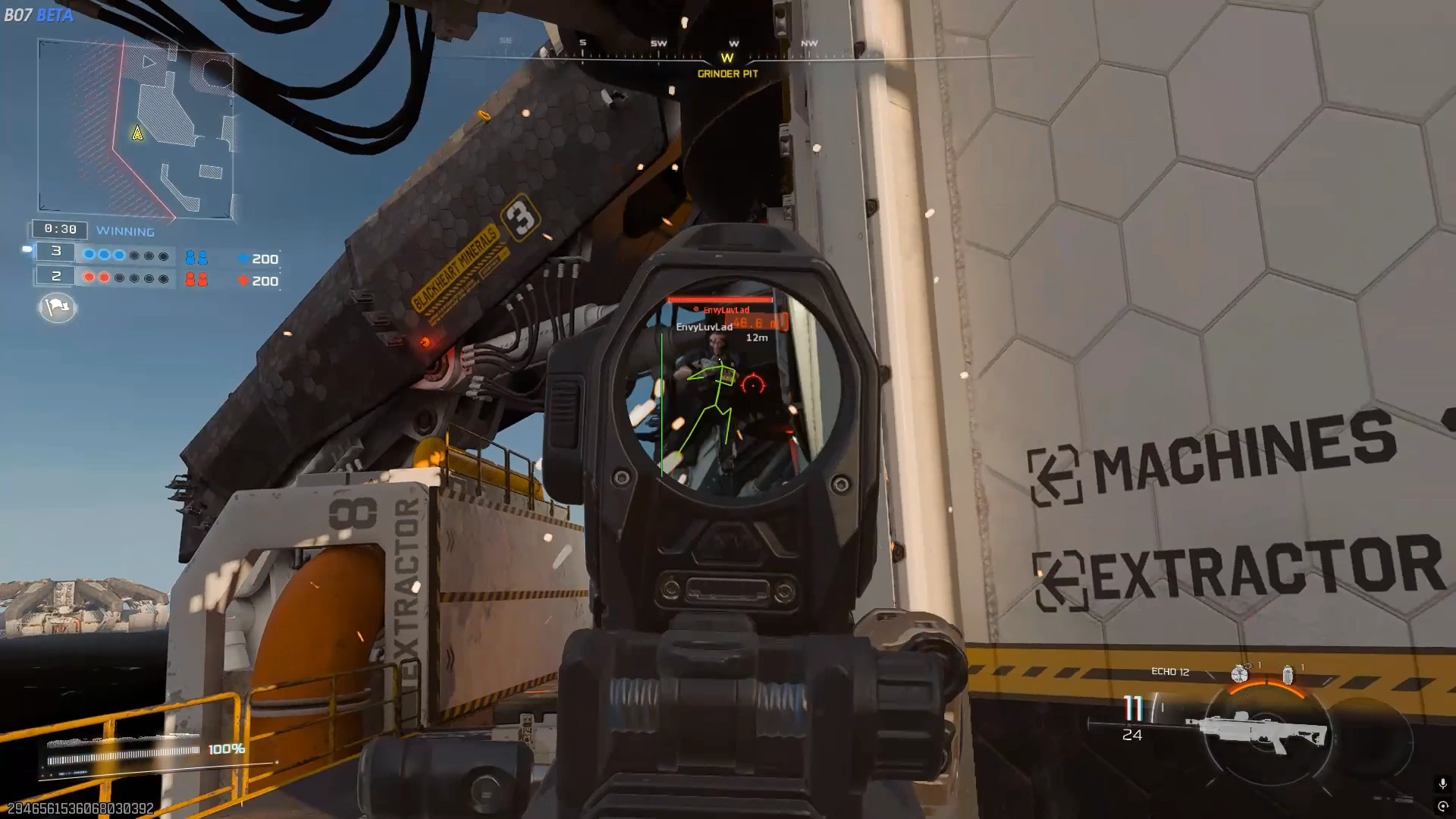
BO7 Ignite is one of the most popular and consistently undetected Black Ops 7 cheats, trusted by serious players for dominating multiplayer matches and objective play. Built for aggressive gunfights, flanking routes, and scorestreak control, it delivers precise aim, detailed player ESP, and seamless configuration while staying lightweight and performance-optimized.
With advanced aimbot & triggerbot, rich player ESP including skeletons and out-of-FOV arrows, and full config management, BO7 Ignite lets you beam harder, spot enemies easier, and outplay opponents effortlessly. From early-round SMG sprays to late-game sniper duels and final-objective holds, you stay in control.
• Long-running, highly trusted Black Ops 6 cheat with a strong undetected track record
• Deep aimbot: enabled/speed/FOV/max distance/retarget/detach, filter team/invisible, draw customizable FOV
• Triggerbot: enabled/hitbox expansion/retarget, filter team/invisible
• Advanced Player ESP: enemy/team/bot types, max distance, box/head dot/view angles/skeleton/out-of-FOV arrows/distance/name/visible indicators (custom positions & colors), occlusion support
• Config & Misc: config name/add/list/load/save/delete/clear, overlay FPS slider (30-500), developer mode toggle
-
Aimbot
- Enabled
- Speed
- Field of View
- Max Distance
- Retarget Time
- Detach Time
- Filter Team
- Filter Invisible
- Draw Aimbot FOV
-
Player ESP
- Enemy
- Team
- Bot
- Max Distance
- Box
- Head Dot
- View Angles
- Skeleton
- Out of FOV Arrows
- Distance
- Name
- Visible
-
Config & Misc
- Config Name Input
- Add Config (+)
- Config List
- LOAD
- SAVE
- DELETE
- CLEAR
- Overlay FPS
- Developer Mode
Menu Showcase