Product Images
Rust Ignite
- Instant Delivery
-
Undetected
-
Informations
- All Winvers Supported Except 25H2
- AMD/INTEL CPUs Supported
-
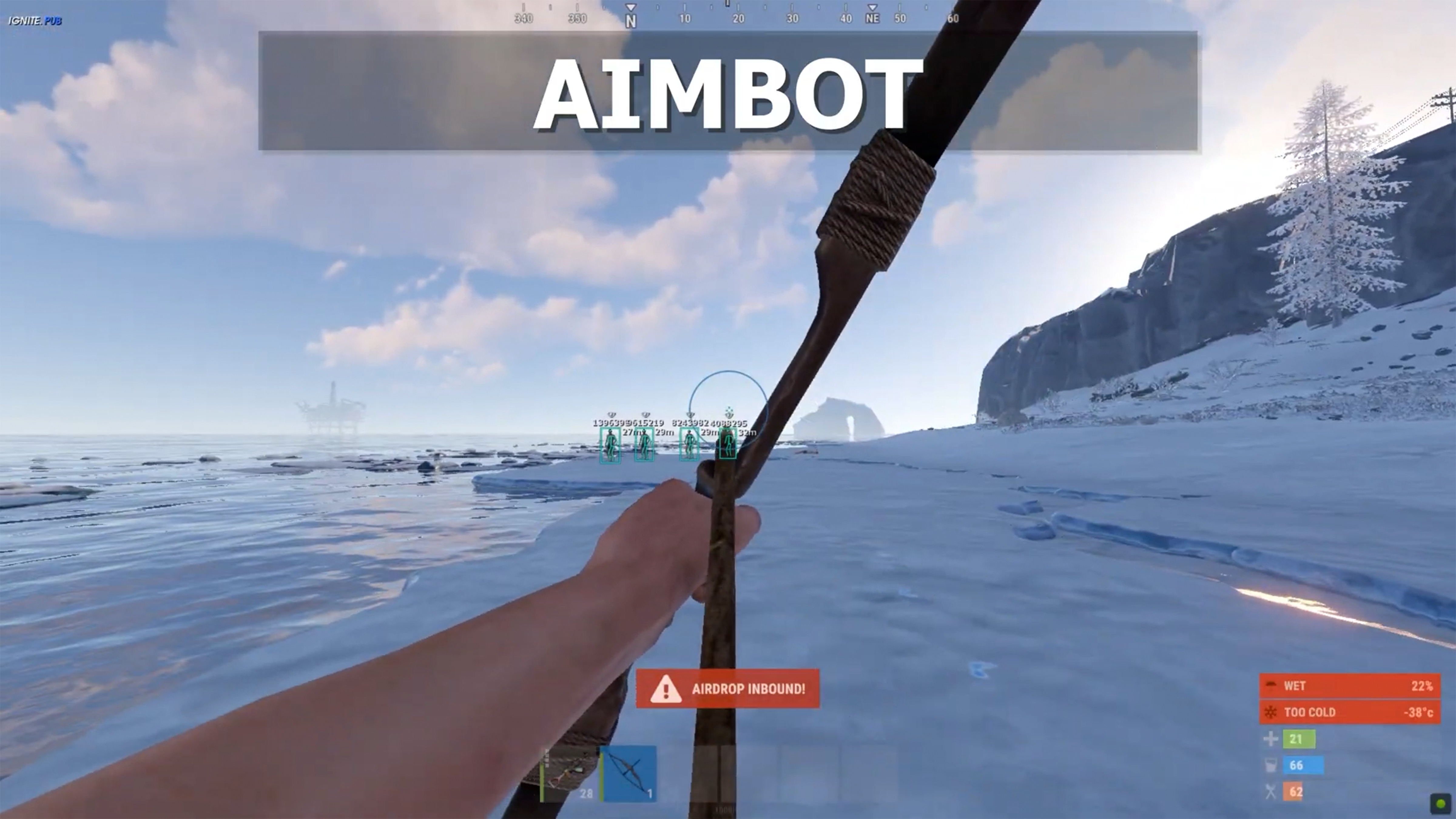
AIMBOT
- Weapon Categories (Pistols, Rifles, Snipers, Shotguns, SMG, Others)
- Targeting Options
- Enabled - main toggle for aimbot functionality
- Silent Aimbot - aimbot that doesn't visibly move your view
- Speed - adjustable aimbot speed from 0-100%
- Field of View - adjustable targeting cone from 0-180 degrees
- Max Distance - maximum targeting range from 0-500 meters
- Retarget Time - delay before switching targets (0-1000 ms)
- Detach Time - time before releasing target (0-1000 ms)
- Filtering Options
- Filter Team - ignore team members
- Filter Bots - ignore AI/NPC targets
- Filter Invisible - ignore targets that can't be seen
- Filter Knocked - ignore downed players
- Draw Aimbot FOV - visualize the targeting field of view with customizable color
-
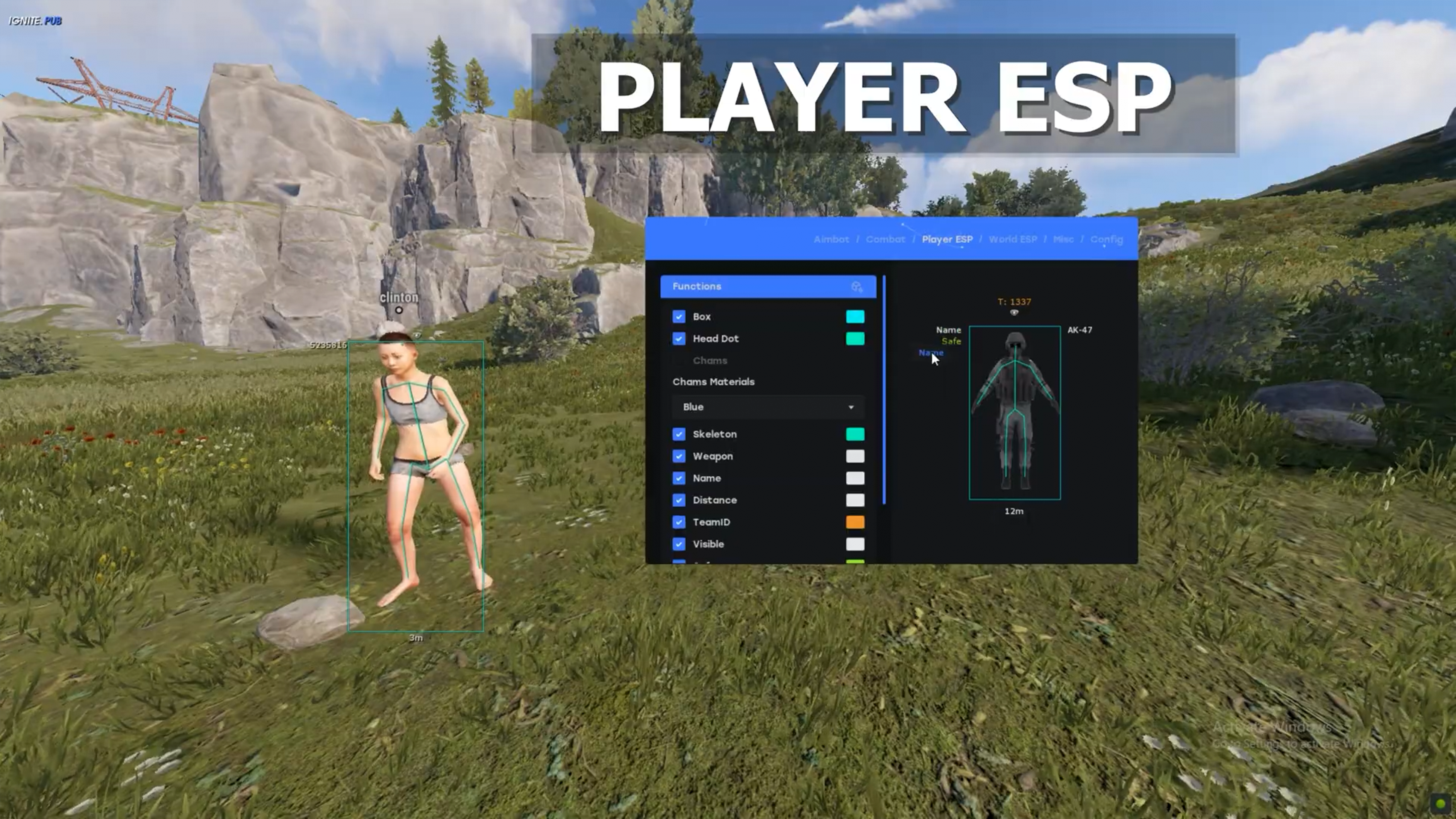
PLAYER ESP
- Player Types (Enemy, Team, Bot, Sleepers)
- Main ESP Settings
- Max Distance - adjustable range from 0 to 500 meters
- Box - toggleable player outline box with color customization (not available for sleepers)
- Head Dot - toggleable indicator for player's head position with color customization
- View Angles - toggleable display of where players are looking with color customization
- Skeleton - toggleable bone esp with color customization
- Out of FOV Arrows - toggleable indicators for players outside screen view with color customization
- Weapon - displays player's current weapon - position can be changed to the place you want - with color customization
- Distance - shows your distance to player - position can be changed to the place you want - with color customization
- Name - displays player's name - position can be changed to the place you want - with color customization
- Visible - indicates player visibility status - position can be changed to the place you want. Ensure to have occlusion enabled - with color customization
- Team - shows team index - position can be changed to the place you want - with color customization
-
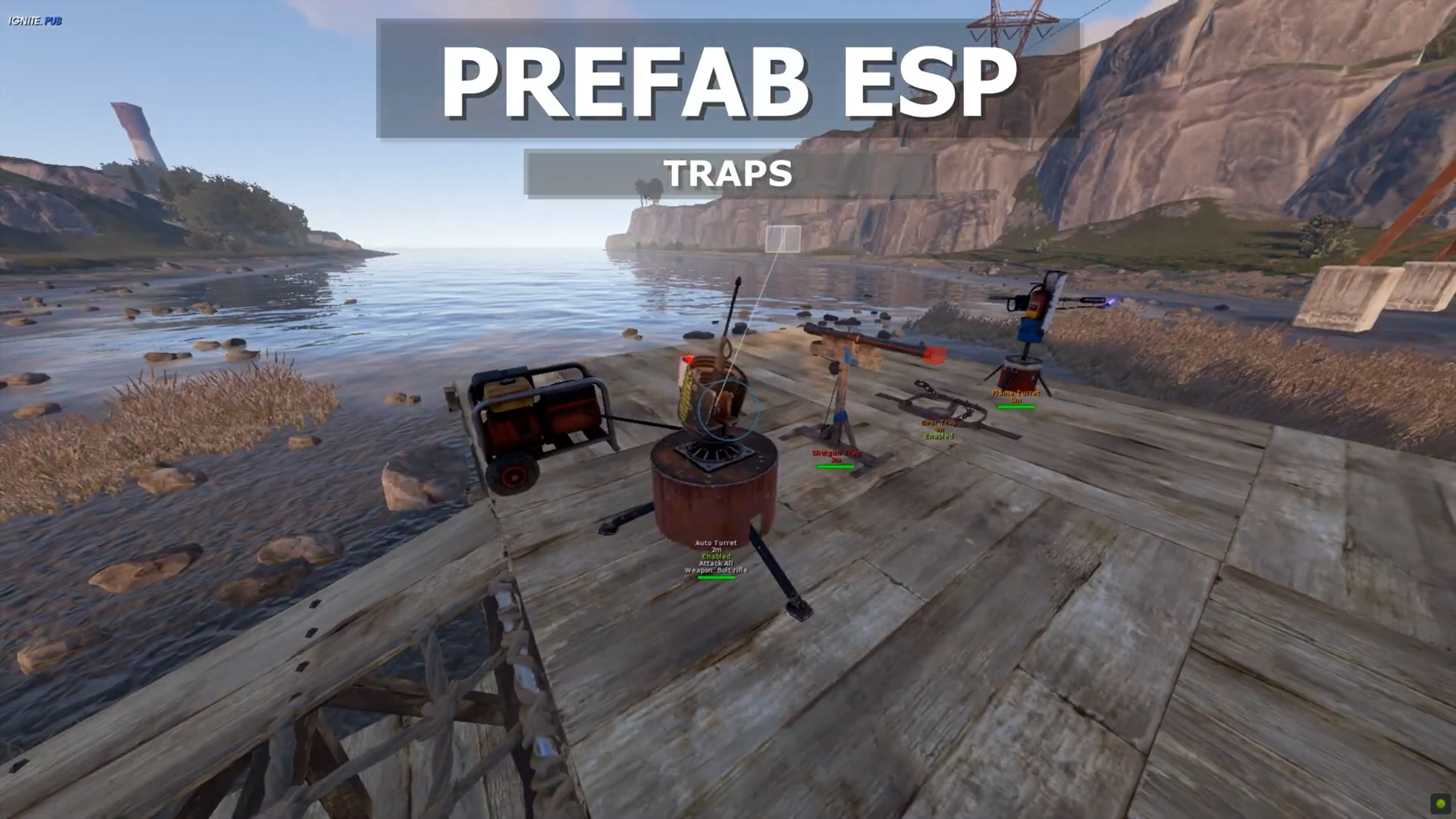
PREFABS ESP
- Prefab Type Categories (Hostiles, Traps, Crates, Farmables, Corpses, Construction, Vehicles. Monuments)
- Control Options
- Current Selection - dropdown menu to select prefab category
- Active All [Current Section] - enable all items in current category
- Disable All [Current Section] - disable all items in current category
- Active All [Global] - enable all items across all categories
- Disable All [Global] - disable all items across all categories
- Prefab List Configuration
- Search Bar - filter prefabs by name
- Max Distance - adjustable range slider from 0 to 2000 meters (separate for each category)
- Individual prefab toggles - enable/disable specific prefabs
- Color picker - customize ESP color for each individual prefab
-
DROPPED ITEMS ESP
- Item Categories (Ammunition, Equipment, Weapons, Constructions, Resources, Clothes , Food, Meds, Traps, Misc)
- Control Options
- Current Selection - dropdown menu to select item category
- Active All [Current Section] - enable all items in current category
- Disable All [Current Section] - disable all items in current category
- Active All [Global] - enable all items across all categories
- Disable All [Global] - disable all items across all categories
- Dropped Items List Configuration
- Search Bar - filter items by name
- Max Distance - adjustable range slider from 0 to 2000 meters (separate for each category)
- Individual item toggles - enable/disable specific items
- Color picker - customize ESP color for each individual item
-
MISC
- Weapon Section
- Instant Eoka - instant activation of Eoka weapon
- Instant Bow - instant bow shooting
- Instant Compound - instant compound bow shooting
- Thick Bullet - increased bullet thickness
- Head Hitbox Override - always hit a headshot when you shoot the target
- Material Override - material replacement (glass currently material)
- Modifiers
- No Recoil Percentage - adjustment of recoil reduction percentage (0-100%)
- No Sway Percentage - adjustment of sway reduction percentage (0-100%)
- No Spread Percentage - adjustment of spread reduction percentage (0-100%)
- Fire Rate Percentage - adjustment of fire rate percentage (0-100%)
- Melee
- No Slow Down - eliminates speed reduction
- Long Hit - increases melee attack range
- Movement Section
- Spiderman - surface climbing (with keybind)
- Omni Sprint - sprint in all directions (with keybind) - perfectly done externally, no high CPU usage
- Debug camera - debug camera view (with keybind)
- Shoot Mounted - shoot while mounted (with keybind)
- Jump Shoot - shoot while jumping (with keybind)
- Flyhack - fly like admins (with keybind)
- World Section
- Farm Assist - resource gathering assistance
- Fast Loot - quick item looting
- Bright Caves - cave illumination
- Bright Night - night illumination
- X-Ray - view through layers (with keybind)
- Zoom - vision magnification (with keybind)
- Zoom FOV - zoom field of view adjustment (10-60)
- Remove Layers
- Selectable list of layer removal options
-
CONFIG
- Configuration Management
- Config Name Input - text field for entering new config names
- Add Config (+) - button to create a new configuration
- Config List - selectable list of saved configurations
- Action Buttons
- LOAD - load the selected configuration
- SAVE - save current settings to the selected configuration
- DELETE - remove the selected configuration
- CLEAR - reset all settings to default
- Miscellaneous Settings
- Overlay FPS - slider to adjust overlay frame rate from 30-500 FPS
- Developer Mode - toggle for developer features (only available in debug mode)
- Combat Mode - toggle for combat-focused settings (with keybind option)