Product Images
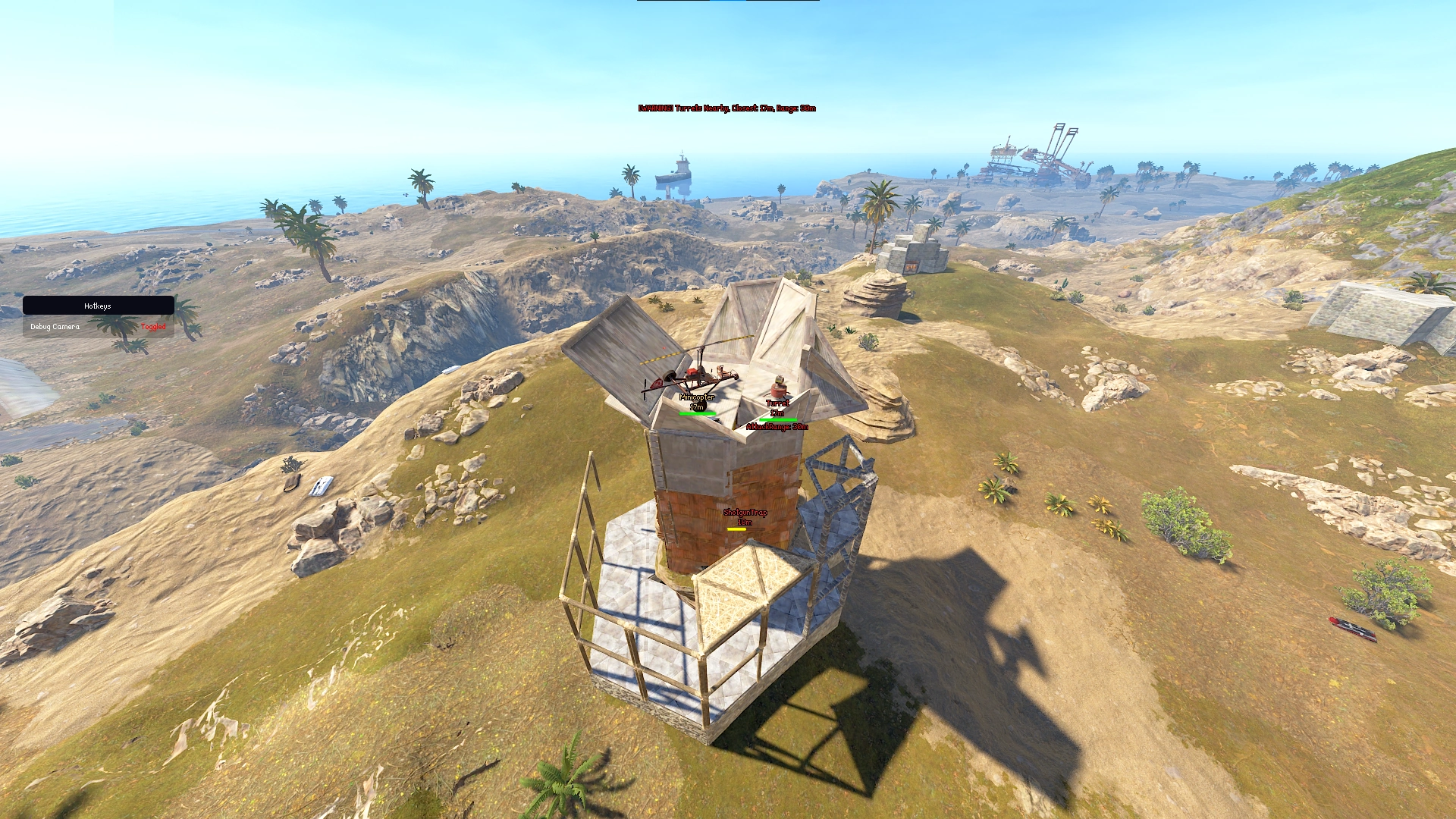
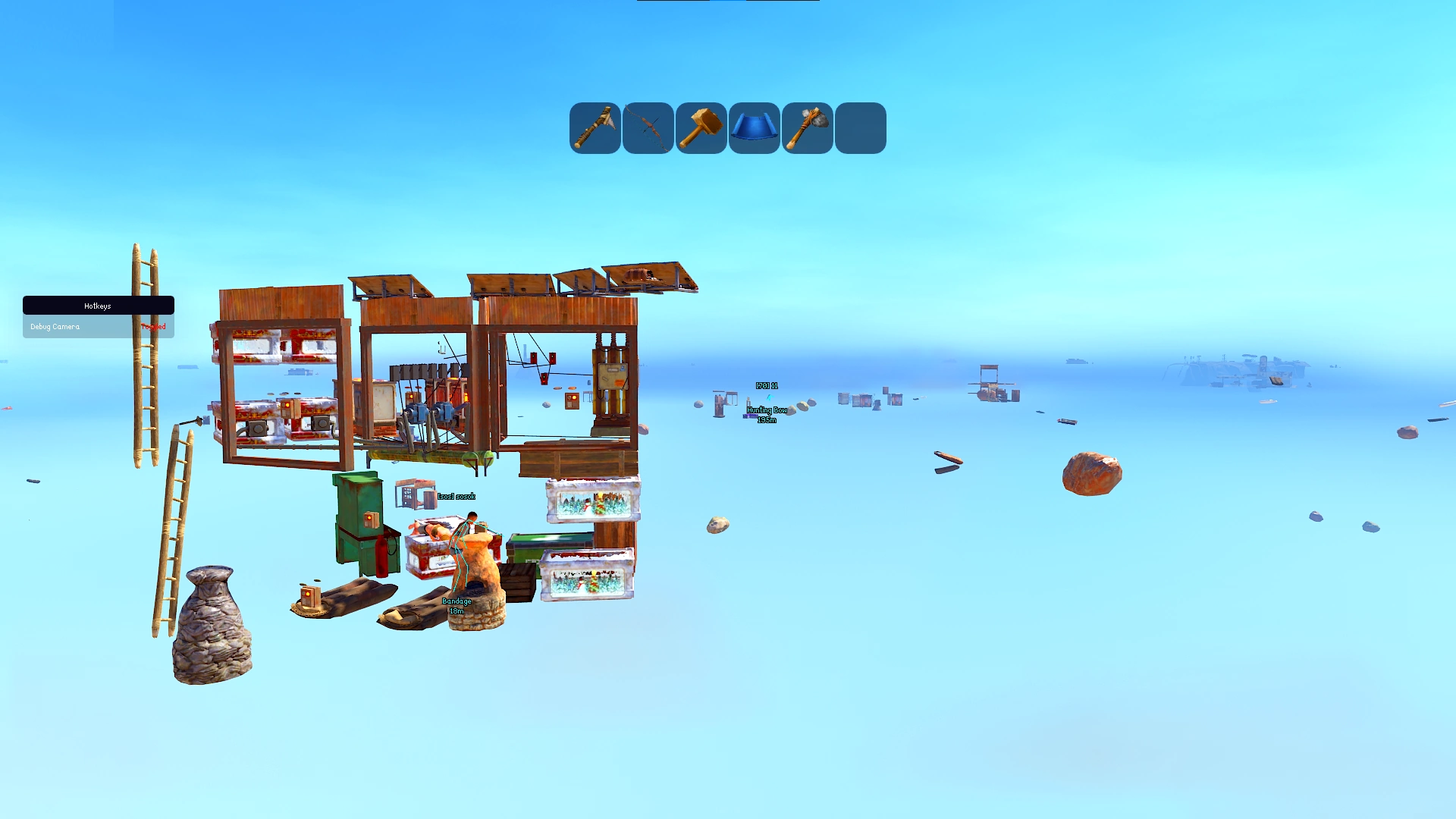
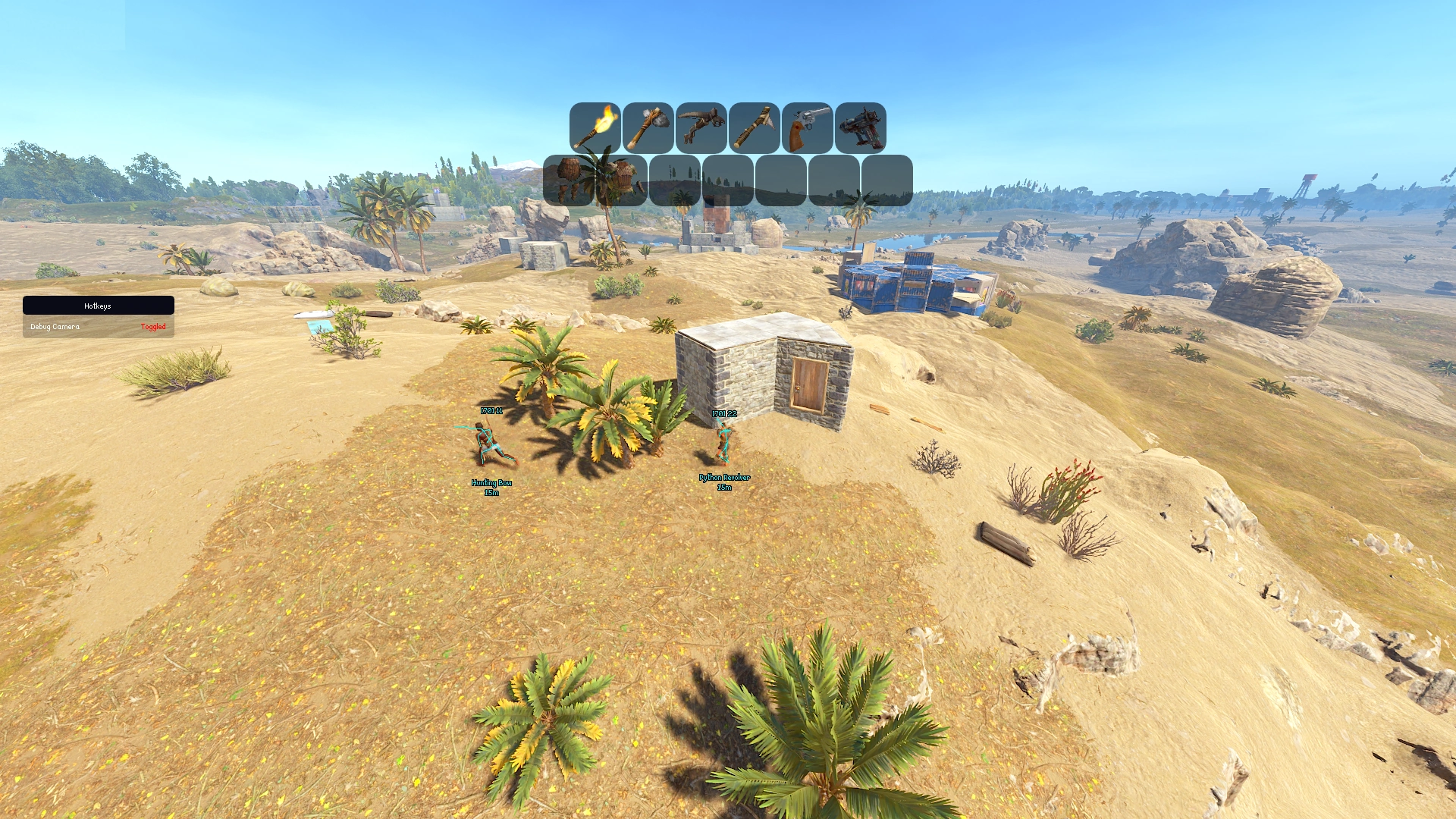
Rust Pulsar Internal
- Instant Delivery
-
Undetected
-
Requirements
- All Windows Versions Supported
- All CPUs Supported
-
Aimbot
- Enable Aimbot
- Aimbot Method PSilent
- Prediction
- Target Bones Head
- Only Target Visible Bones
- Targets Players
- Targets Wounded Players
- Hit Chance 100%
- Draw FOV
- FOV Radius 100
- Target Line
- Mouse0 Activation
- Auto Shoot
- Silent Fire
- Wait for Instant Hit
- Wait for Multishot
- Bullet Spread 100%
- BulletTP Range
- Instant Bullet Paired with Desync
- Multishot Paired with Desync 3-10
- Heli Magic Bullet Paired with Desync
- Simulate Projectiles
- Sniper Bullet
- BulletTP Scan Range 2.20m
- Override Hitbone Head
- Desync Standing 0.79
- Desync Moving 0.19
-
Weapon
- Spread Control 100%
- Fast Bullets
- Speed Multiplier 1.0x
- Thick Bullet
- Thick Bullet Size 1.0m
- Projectile Reflect
- Projectile Tracers
- Instant Bullet Paired with Desync
- Multishot Paired with Desync 3-10
- Heli Magic Bullet Paired with Desync
- Sniper Bullet
- Sway Control 100%
- Rapid Fire
- Fire Rate 1.0x
- Force Automatic
- One Tap Eoka
- No Weapon Bob
- No Restrictions
- Auto Reload
- Recoil Control
- Horizontal Recoil 100%
- Vertical Recoil 100%
-
ESP
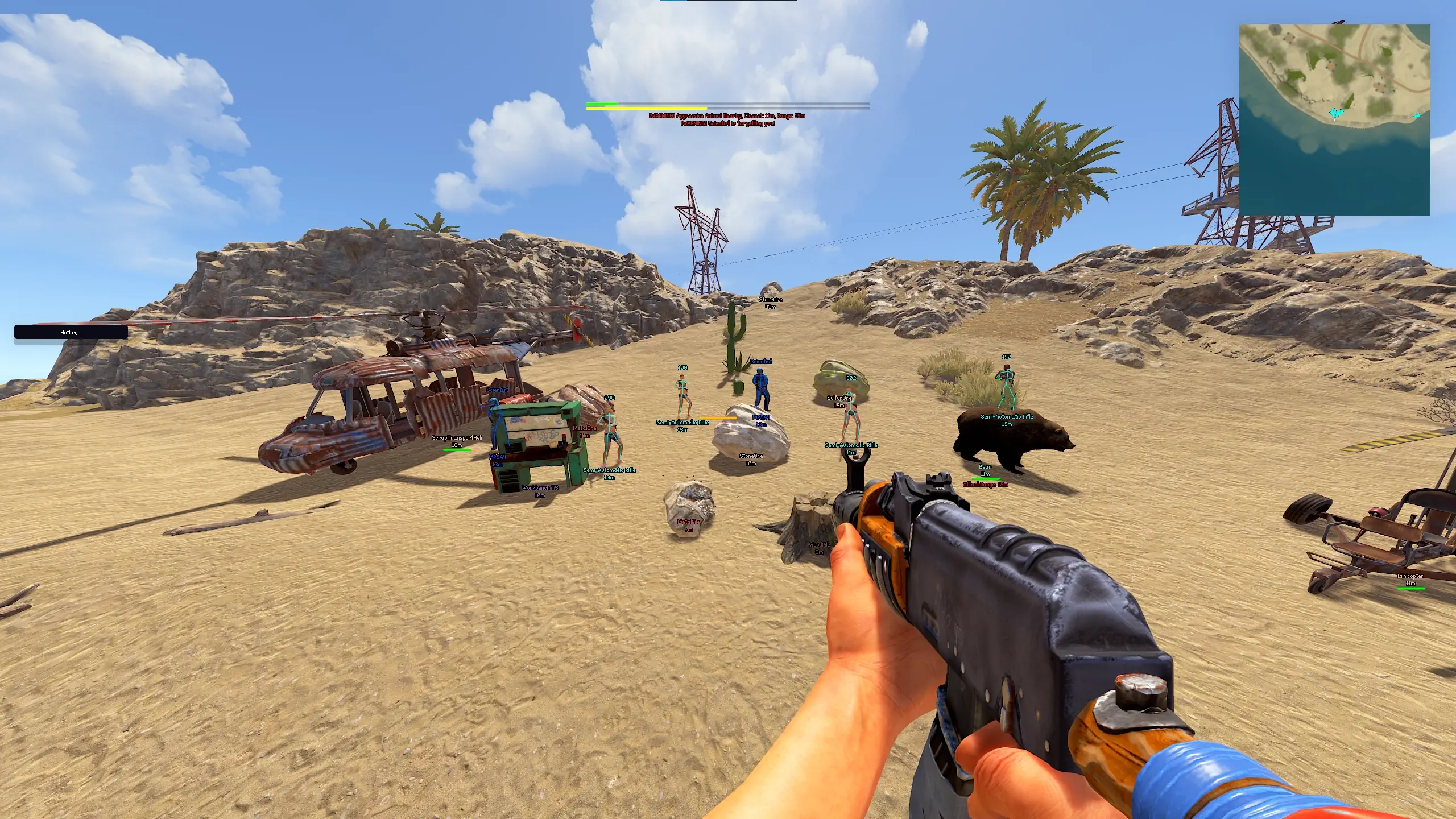
- Square Box
- Name
- Weapon
- Weapon Rendering Mode Text
- Distance
- Skeletons
- Skeleton Thickness 1.0
- Looking Direction
- Raiding Tools
- TeamID
- Gazing Alerts
- Sync All Colors
- Sync Player Colors
- Visible Check
- Hide Sleepers
- Hide Wounded
- Hide Team
- Hide NPC
- Max Player Distance 500
- Max Scientist Distance 100
- Player Chams
- Player Chams Style Solid Color
- Hand Chams
- Hand Chams Style Solid Color
- Show Inventory
- Show Clothing
- Icon Size 20
- Icon Rounding 8
- Above Target Head
-
World ESP
- Show World Items
- World Items Max Distance 100
- Tool Cupboard Upkeep
- Recycler
- Airdrop
- Blueprints
- Basic Blueprints
- Advanced Blueprints
- Workbench 1
- Workbench 2
- Workbench 3
- Show Resources
- Resources Max Distance 100
- Stone Ore
- Metal Ore
- Sulfur Ore
- Show Crates
- Crates Max Distance 100
- Hackable
- Hackable Timer
- Hackable Timer Bar
- Heli Crate
- Bradley Crate
- Elite Crate
- Medical Crate
- Normal Crate
- Show Collectables
- Collectables Max Distance 100
- Hemp
- Wood
- Stone
- Metal
- Sulfur
- Diesel Barrel
- Show Traps
- Show Traps Health
- Traps Max Distance 100
- SAM Site
- Shotgun Trap
- Flame Trap
- Turret
- Bear Trap
- Spikes
- Landmine
- Floor Spikes
- Show Vehicles
- Show Vehicles Health
- Vehicles Max Distance 100
- Attack Heli
- Minicopter
- Scrap Heli
- Hot Air Balloon
- Workcart
- Bicycle
- Locomotive
- Crane
- Car
- Motorbike
- Snowmobile
- Tricycle
- Dive Equipment
- Submarine
- Kayak
- RHIB
- Rowboat
- Tugboat
- Show Siege Weapons
- Show Siege Weapons Health
- Siege Weapons Max Distance 500
- Battering Ram
- Catapult
- Ballista
- Siege Tower
- Show Animals
- Show Animals Health
- Animals Max Distance 100
- Attacking Range
- Horse
- Boar
- Bear
- Chicken
- Stag
- Wolf
- Tiger
- Panther
- Crocodile
- Zombie
- Snake
- Show APCs
- Show APCs Health
- APC Max Distance 1000
- Cargo Ship
- Patrol Heli
- Rotorblades Health
- Bradley
- Bradley Health
- Chinook
- Chinook Health
- Show Berries
- Berries Max Distance 50
- Black Berries
- Blue Berries
- Green Berries
- Red Berries
- White Berries
- Yellow Berries
- Show Corpses
- Show Corpse Clothing Bar
- Show Corpse Clothing Flag
- Show Corpse SteamID
- Show Player Loot
- Player Loot Max Distance 100
- Hide Empty LootBags
- Small Backpacks
- Large Backpacks
- Show Loot
- Loot Max Distance 100
- Loot Filters Weapons Items Resources
- Show Food
- Food Max Distance 50
- Corn
- Mushrooms
- Potatoes
- Pumpkins
-
Misc
- Minimap Enabled
- Minimap Size 200
- Minimap Zoom 5.0
- Minimap Indicator Size 1.0
- Show Players
- Show Team
- Show Scientists
- Show Wounded Players
- Show Sleeping Players
- Flyhack Indicator
- Anti Flyhack
- Speedhack Indicator
- Anti Speedhack
- Turrets Nearby Indicator
- SamSites Nearby Indicator
- Animals Nearby Indicator
- Rocket Launcher Prediction
- Indicator Size 2.0 Meters
- FOV Changer 100
- Field of View Zoom Mouse4
- Zoom Multiplier 2.0
- Player Zoom
- Aspect Ratio
- Aspect Ratio Multiplier 1.7
- Remove Layers
- No Grass
- No Screen Shake
- No Blackout Overlay
- Battle Mode
- Keep Displaying Threats