
An HWID ban, or hardware ban, is a ban placed on your computer instead of just your account. When a game issues one, it records identifiers from your hardware, such as disk serials and motherboard IDs, and blocks any account that logs in from that machine. Make a fresh account on the same PC and you can find yourself banned again within minutes.
That is what makes hardware bans so frustrating, and why understanding them matters. This guide explains the difference between account and hardware bans, how hardware bans actually work, which identifiers games record, how long bans last, which anti-cheats use them, and how players get back into their games with the right spoofer.
Key Takeaways
- An account ban blocks one account. A hardware ban blocks your PC, so new accounts on it are blocked too.
- Games build a fingerprint from several IDs, including disk serials, motherboard and BIOS identifiers and network addresses.
- There is no universal length. Many publishers treat hardware bans as permanent.
- Bans are often delayed and issued in waves, so a ban can arrive days or weeks after the flagged session.
- An HWID spoofer changes the IDs your PC reports, so a new account is not linked to the flagged hardware.
Account Ban vs HWID Ban: What Is the Difference?
| Aspect | Account ban | Hardware ban |
|---|---|---|
| What is blocked | One account | Your PC and any account used on it |
| Does a new account fix it? | Usually yes | No, the new account is linked by hardware |
| What is recorded | Account details | A fingerprint of your hardware identifiers |
| How players recover | Make a new account | Spoof or replace the flagged hardware, then use a new account |
In short, an account ban punishes the account. A hardware ban punishes the machine.
How Does an HWID Ban Work?
When you play, the game or its anti-cheat collects identifiers from your hardware and builds a fingerprint. That fingerprint is stored alongside your account. If the account is banned and the game decides to issue a hardware ban, the fingerprint goes on a block list.
From then on, every time any account logs in, the game compares that PC's fingerprint against the list. A match means a ban, sometimes at login and sometimes after a short delay so it is harder to tell what triggered it. Because the fingerprint uses several identifiers, changing just one part, like your network adapter, is often not enough.
Which Hardware IDs Do Games Use for Bans?
- Disk serial numbers from your SSDs and hard drives
- Motherboard and BIOS (SMBIOS) identifiers, including system serials and UUIDs
- Network adapter MAC addresses
- GPU and monitor identifiers
- Windows install and registry values
- TPM identifiers from the security chip, used by some systems
Each anti-cheat uses its own mix, and no list is complete. Want to see your own values? Check them with the built-in HWID checker in the Chams HWID Spoofer, or read our guide to how HWID spoofers work for a full breakdown of each identifier.
How Long Does an HWID Ban Last?
There is no standard length. It depends entirely on the publisher. Many treat hardware bans as permanent, especially for repeat or serious violations. Some issue time-limited hardware restrictions. A few lift bans after a successful appeal.
Because the length is rarely stated, the safest assumption is that a hardware ban will not go away on its own. If you believe yours was a mistake, for example on a second-hand PC, start with our guide on how to appeal a game ban.
Which Anti-Cheats Use Hardware Bans?
Most major anti-cheats can issue hardware-level bans, and players report them across many popular games:
- Easy Anti-Cheat, used by games such as Fortnite, Apex Legends and Rust.
- BattlEye, used by games such as Rainbow Six Siege, Escape from Tarkov and DayZ.
- Riot Vanguard in Valorant, which runs a kernel driver from startup and can issue hardware bans.
- Ricochet in Call of Duty titles such as Black Ops 7.
Valve's VAC is different. VAC bans are tied to the Steam account rather than the hardware, so the account carries the ban.
Why Hardware Bans Often Arrive Later
Many games do not ban the moment something is flagged. They collect data and then ban many accounts at once in a ban wave. This makes it harder to pin down what triggered the flag. It also means a hardware ban can land on a PC days or weeks after the session that caused it.
This is one reason experienced players run a spoofer from day one with any new account, rather than waiting until after a ban.
Signs You Might Have a Hardware Ban
- A brand-new account is banned soon after its first match.
- The game shows a ban or security error before you even reach the menu.
- Friends can play on their PCs with no issues, but every account fails on yours.
- The ban follows you after reinstalling the game or Windows.
How Players Get Back in the Game
You have three realistic options after a hardware ban:
- Appeal if you believe the ban was a mistake.
- Replace the flagged hardware, which is expensive and slow, and you may not know which parts were recorded.
- Use an HWID spoofer and a fresh account, the quickest route for most players.
The fast fix: the Chams HWID Spoofer supports all Windows versions and all CPUs, spoofs in one click and includes a built-in HWID checker. Supported games include Rainbow Six Siege, Destiny 2, ARK: Survival Evolved, Arma 3 and War Thunder. Keys come in 1 Day, 1 Week, 1 Month and Lifetime lengths.
Picking the right spoofer for your game
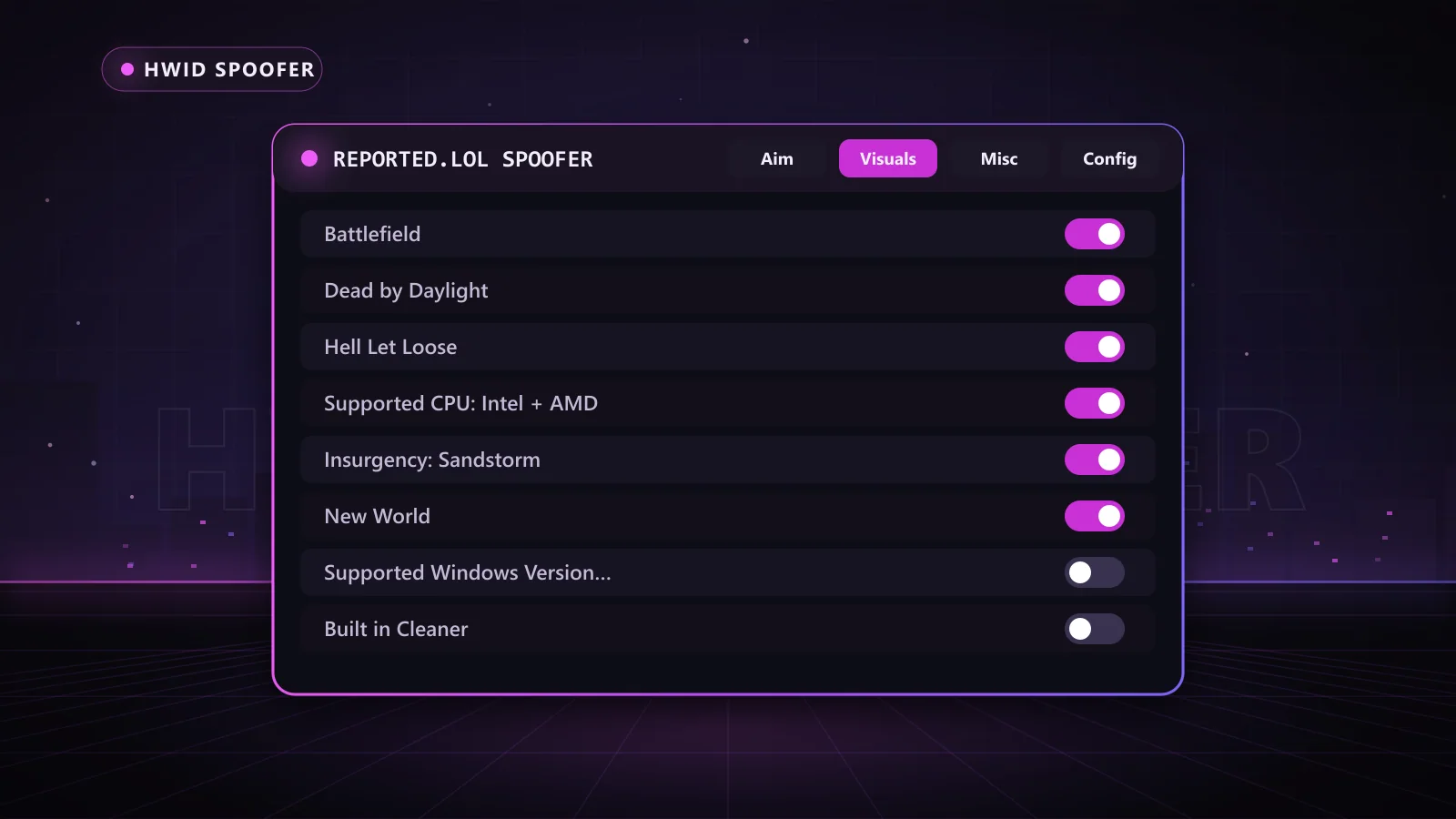
The Reported.lol Spoofer covers Apex Legends, Battlefield, Dead by Daylight, Fortnite (including tournaments), Hell Let Loose and New World, with a built-in cleaner to remove old traces, in 15 Day to 365 Day keys. The Novex Permanent Spoofer covers Easy Anti-Cheat (including all Fortnite anti-cheats), BattlEye and Ricochet with a change that stays after reboot. It requires a BIOS flash, a Windows reinstall, an 8GB USB drive and a RAID0 or RAID-capable drive setup, and supports all motherboards except HP, Dell and Alienware.
Before each session, check the Chams status page for the live status of your spoofer and any other product you use.
How to Keep a Fresh Start Clean
Getting back in is only half the job. The other half is making sure your new account does not end up linked to the old one. Players who stay in the game longest follow a simple routine:
- Spoof before the first login: never launch the game on a new account with your real IDs, even once.
- Clean old traces: leftover game files, registry entries and cached data can link accounts. The Reported.lol Spoofer includes a built-in cleaner for exactly this.
- Keep accounts separate: do not log in to old and new accounts on the same session, and avoid reusing the same email or payment details.
- Watch your network: some games also look at network details, so a different connection can help on a fresh account.
- Play sensibly: reports and gameplay reviews look at behavior, so keep settings natural and do not draw attention.
- Check status before you play: after any game or anti-cheat update, confirm your spoofer and cheat show as ready on the status page.
If you use cheats, pairing them with a spoofer from day one means your real hardware never gets attached to the account in the first place. For the most separation, a DMA rig keeps the cheat off your gaming PC entirely, while the spoofer protects that PC's identity.
Does Spoofing Help With Shadowbans?
It depends on what the restriction is attached to. A spoofer changes your hardware identity, so it helps when a new account is being linked to flagged hardware. A shadowban or matchmaking restriction placed on the account itself stays with that account. In that case, a fresh account plus a spoofer is the combination that gives you a clean start.
Why Choose Chams
- Three spoofers: one-click temporary, temporary with a built-in cleaner, and permanent.
- Flexible key lengths: from 1 Day to Lifetime, delivered automatically right after payment.
- Live status page: know the current state of every spoofer before you play.
- Real support: help choosing a spoofer and setting it up, including the permanent option.
- DMA options: pair a spoofer with a DMA rig that keeps the cheat off your gaming PC entirely.
Frequently Asked Questions
What does HWID ban mean?
It means your PC's hardware identifiers have been blocked, so any account used on that machine can be banned.
Is an HWID ban permanent?
Often, but it depends on the publisher. Many never lift hardware bans; some are time-limited or reversed on appeal.
Does reinstalling Windows remove a hardware ban?
Usually not. Disk, motherboard and other hardware identifiers stay the same after a reinstall.
Can a hardware ban affect other games?
Bans are normally issued per game or per publisher, but games that share an anti-cheat do not automatically share ban lists.
Can I be hardware banned for buying a used PC?
It can happen if the previous owner's hardware was flagged. An appeal or a spoofer are your options.
Do Not Let a Hardware Ban End Your Game
A hardware ban blocks your PC, but it does not have to block you. Compare all three options on the HWID spoofer page, or get started right now with the one-click Chams HWID Spoofer.