
Knowing how to appeal a ban properly can be the difference between getting your account back and getting a short, final no. The short version: find out exactly what kind of ban you have, then send one clear, factual request through the official support channel of the company that issued it. That means Steam Support for Steam account issues, Epic Games Player Support for Fortnite and other Epic titles, Activision Support for Call of Duty, and Ubisoft Support for games like Rainbow Six Siege.
This guide from the Chams team walks through each platform, what to include, what to avoid, what outcomes to expect, and your options for starting fresh if the appeal does not go your way. Policies change, so always check the current rules on each company's official support site.
Key Takeaways
- Identify the ban type first: platform ban, game ban, anti-cheat ban, temporary suspension or community server ban.
- Appeal only through the official support site of the company that issued the ban.
- One clear, polite, factual appeal beats several angry ones.
- Valve describes VAC bans as permanent and not removable by Steam Support.
- If an appeal fails and your hardware is flagged, an HWID spoofer lets you start fresh on a new account.
Step 1: Work Out What Kind of Ban You Have
The type of ban decides who can review it. Before you write anything, read the ban message carefully and note the wording, the date and any reference code.
| Ban type | Who issues it | Who handles appeals |
|---|---|---|
| Platform account ban | Steam, Epic, Xbox, PlayStation and similar | That platform's official support |
| Game ban | The game's developer or publisher | The publisher's support, not the store |
| Anti-cheat ban | Systems like VAC, Ricochet, BattlEye or Easy Anti-Cheat | Usually the game's publisher |
| Temporary suspension | The game, often for reports or behavior | Often expires on its own; check first |
| Community server ban | Server admins | The server's own Discord or website |
A common mistake is appealing to the wrong place. A game ban shown on a Steam profile, for example, is usually handled by that game's developer rather than Steam Support.
How to Appeal a Ban on Steam
Steam shows two main kinds of ban on your profile, and our guide to VAC bans covers them in depth.
- VAC bans come from Valve Anti-Cheat on VAC-secured servers. Valve's official position is that VAC bans are permanent and cannot be removed by Steam Support.
- Game bans are issued by individual developers. Steam Support generally points players to the developer of that game.
- Account issues such as hijacked accounts, trade bans or community bans go through Steam Support, which you reach from the help section of the Steam client or the official Steam Support website.
If your account was stolen and then used to break the rules, explain that clearly and provide proof of ownership, such as original purchase details. Recovery cases are where Steam Support can really help.
How to Appeal a Fortnite or Epic Games Ban
Epic Games handles bans for Fortnite, Rocket League and its other titles through Epic Games Player Support on its official help site.
- Sign in to the support site with the banned account.
- Choose the option for account bans or appeals and select the game.
- Add the date, the ban message and a short, factual explanation.
Keep it to one ticket and wait for a reply rather than opening new ones.
How to Appeal a Call of Duty Ban With Activision
Call of Duty bans are handled by Activision Support. On the official Activision Support site, players can sign in, check the enforcement status of their account and, where offered, submit an appeal.
Activision's messages usually separate a suspension under review from a permanent ban. A suspension under review is not final, so follow the instructions on the support site rather than opening multiple tickets. Call of Duty uses the Ricochet anti-cheat at the time of writing, so list any unusual software you run, such as macro tools or overlays, if you believe the flag was a mistake.
How to Appeal a Ubisoft Ban
For Ubisoft games, including Rainbow Six Siege, use the official Ubisoft Support site. Sign in with your Ubisoft account and open a case about your account status. Account security issues, mistaken penalties and temporary sanctions are all worth raising there.
What About Xbox and PlayStation?
If you play on console or your PC game is linked to a console account, the platform may have issued the restriction. Knowing how to appeal a ban here works the same way: sign in to Xbox Support or PlayStation Support with the affected account, find the account status or enforcement section, and follow the review steps offered there. Console enforcement often covers communication and conduct rather than game-specific penalties, so read the wording carefully to see whether the platform or the publisher actually holds your case.
What About BattlEye and Easy Anti-Cheat Bans?
Many games use third-party anti-cheat systems such as BattlEye or Easy Anti-Cheat. The anti-cheat detects the issue, but the game's publisher usually decides the ban and its length. Start with the game's own support, not the anti-cheat company, unless the game's support articles tell you otherwise.
What to Include in a Ban Appeal
A strong appeal is short and specific. Include:
- Your account name and ID, plus the platform you play on.
- The exact ban message and any reference or case number.
- The date and time the ban appeared.
- What you were doing just before, such as the match or mode.
- Relevant context, like a hacked account, a shared PC or newly installed software.
- Proof of ownership if security is the issue, such as receipts or the original email address.
Write calmly and stick to facts. Support teams review many cases a day, and a clear message is far easier to act on.
What Not to Do When Appealing
- Do not open many tickets. Duplicates can slow your case or get it closed.
- Do not insult staff. It can lead to support restrictions.
- Do not use third-party appeal services that ask for your password. Only use the official site.
- Do not start a new account while the appeal is open. Wait for the result first so nothing complicates your case.
Realistic Outcomes
| Situation | Realistic outcome |
|---|---|
| Account was hacked and then banned | Good chance of help if you can prove ownership |
| Mistaken penalty from reports or a system error | Can be reversed after review |
| Temporary suspension | Often expires before the appeal is processed |
| Confirmed anti-cheat detection | Rarely reversed |
| VAC ban on Steam | Valve says Steam Support cannot remove it |
If the Appeal Fails: Starting Fresh With an HWID Spoofer
Many anti-cheat bans are tied to your hardware as well as your account. If that happens, a brand-new account on the same PC can be flagged straight away. Our guide to HWID bans explains how hardware identifiers work. This is where a spoofer comes in, and Chams carries three:
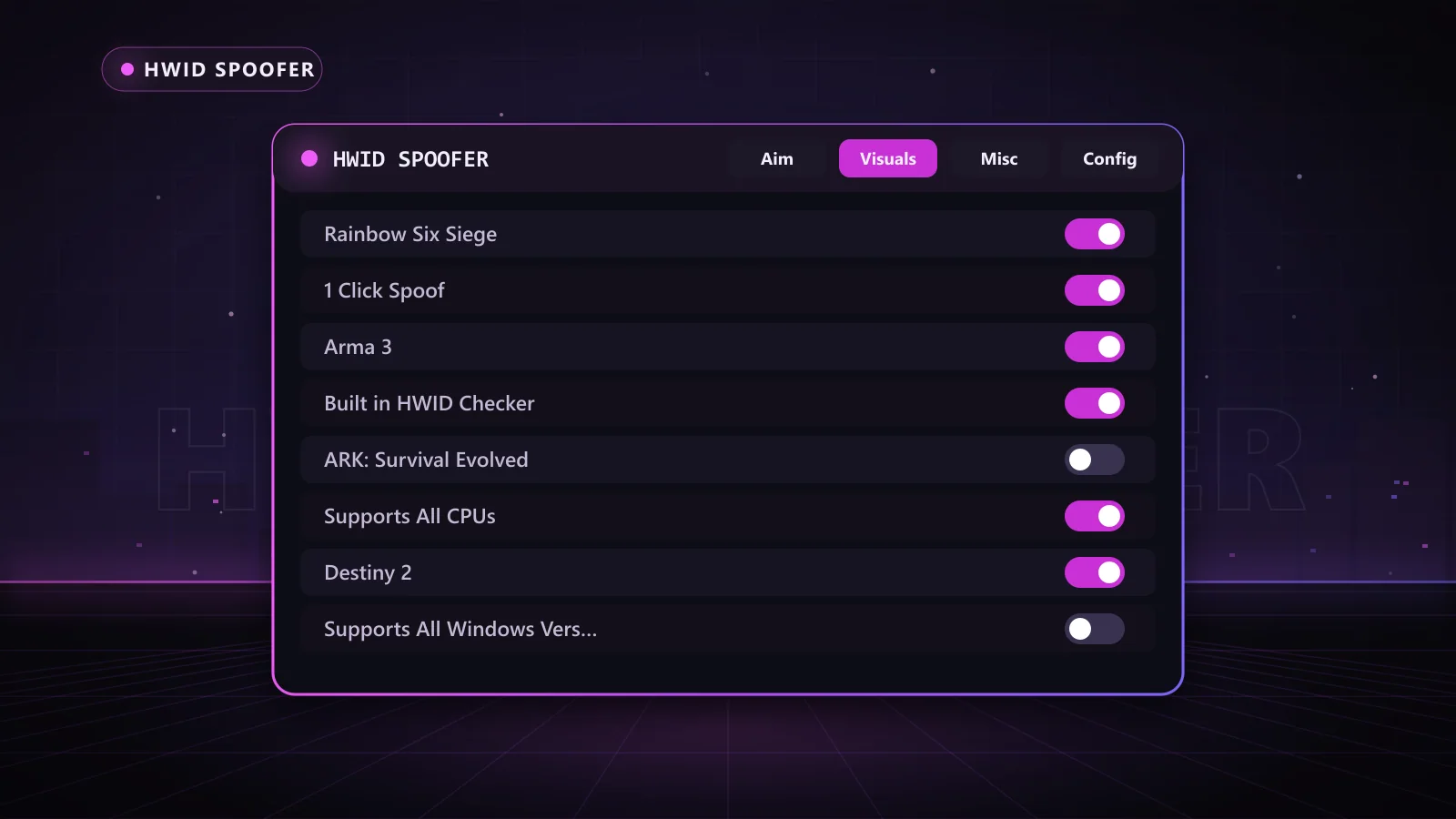
- Chams HWID Spoofer: one-click spoofing, a built-in HWID checker, support for all Windows versions and CPUs, and 1 Day, 1 Week, 1 Month and Lifetime keys. Its supported games include Rainbow Six Siege, Destiny 2, ARK, Arma 3 and War Thunder.
- Reported.lol Spoofer: Intel and AMD support on Windows 10 and 11, a built-in cleaner, and support for games including Apex Legends, Battlefield, Dead by Daylight, Fortnite and Hell Let Loose. Available in 15, 30, 90 and 365 day lengths.
- Novex Permanent Spoofer: a deeper, permanent-style option supporting Easy Anti-Cheat, BattlEye and Ricochet. It needs a BIOS flash, a Windows reinstall and an 8GB USB, and does not support HP, Dell or Alienware motherboards.
Appeal denied? Start over the right way with the Chams HWID Spoofer. Keys are delivered automatically right after payment, and the built-in checker shows your identifiers before and after.
Before you play again, check the Chams status page for live status on the spoofer and any product you plan to use.
Frequently Asked Questions
How do I appeal a ban in a video game?
Find out who issued the ban, then use that company's official support site to submit one clear request with your account details, the ban message, the date and any useful context.
Can a VAC ban be appealed?
Valve states that VAC bans are permanent and cannot be removed by Steam Support. If a ban was issued in error, Valve handles that on its side.
How long does a ban appeal take?
It depends on the company and its case load. Some reply within days, others take weeks. Avoid opening extra tickets while you wait.
What should I write in a ban appeal?
Keep it short and factual: your account, the ban message, when it happened, what you were doing and anything relevant, such as a security issue.
What can I do if my appeal is denied?
If your hardware is flagged, a new account on the same PC may be banned quickly. An HWID spoofer such as the Chams HWID Spoofer changes the identifiers anti-cheat sees so you can start fresh.
Get Back in the Game
Now you know how to appeal a ban the right way: the right company, the official channel and one honest, clear message. If the door stays closed, you still have options. Browse our full HWID spoofer range or grab the Chams HWID Spoofer and start fresh today.