
A VAC ban is one of the most recognised penalties in PC gaming. It is issued by Valve Anti-Cheat, it appears on your Steam profile, and it is permanent for the game it applies to. In Counter-Strike 2 it sits alongside game bans from Overwatch, the VAC Live system that can stop matches early, and a Trust Factor that decides who you queue with.
If you play CS2 seriously, knowing how these pieces fit together helps you choose the right tool and the right settings. This guide explains how VAC works, why bans are delayed, how a VAC ban differs from a game ban, what Overwatch and Trust Factor do, and which Chams CS2 products give you the edge in every round.
Key Takeaways
- VAC is Valve's anti-cheat for CS2; it runs in user mode rather than as a kernel driver.
- Valve's bans are often delayed, permanent for the game and visible on your Steam profile.
- Game bans come from systems such as Overwatch and also show on your profile.
- Trust Factor affects matchmaking quality, and VAC Live can end a match early.
- Chams offers CS2 Predator, CS2 Fecurity and CS2 DMA, with keys delivered automatically right after payment.
What Is Valve Anti-Cheat?
VAC is Valve's anti-cheat, used in CS2 and many other Steam games. Unlike kernel-level systems such as Vanguard or BattlEye, VAC runs in user mode. It looks for known cheat signatures and suspicious behaviour while you play on VAC-secured servers, and Valve combines that with server-side data from matches.
Because VAC does not rely on a deep kernel driver, much of its strength comes from signatures, server-side match data and community review. That is why two things matter so much in CS2: the approach your tool takes, from lightweight external software to a full DMA build on a second PC, and how naturally you play once you are in the server. Get both right and you can enjoy the information advantage round after round.
CS2 also uses a newer layer often called VAC Live, which can detect problems during a match and cancel it before it finishes. Together, these give Valve both a long-term ban system and a real-time response.
How Does a VAC Ban Work?
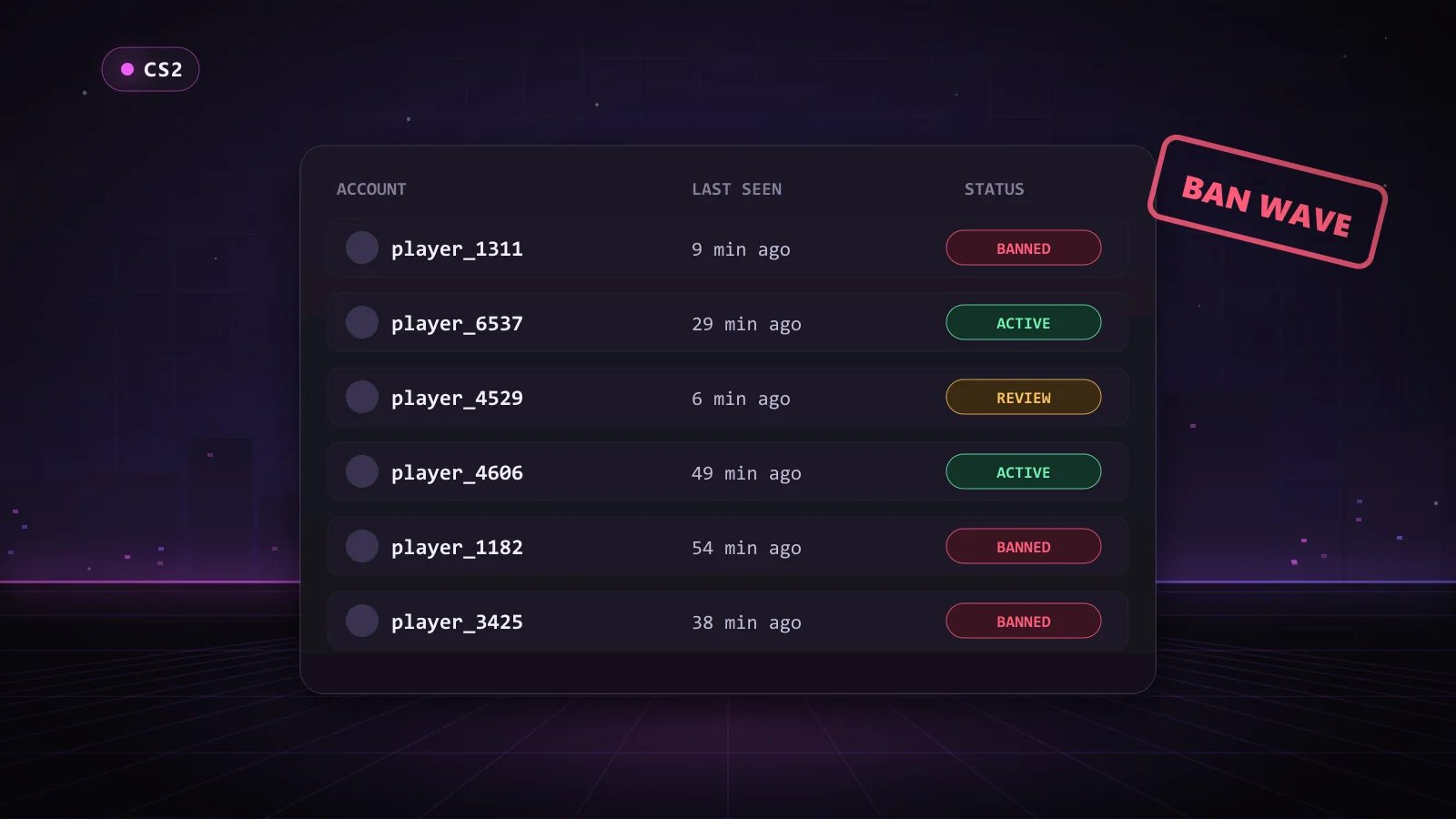
When VAC detects something, it does not always ban straight away. Bans are often delayed, sometimes by days or weeks, so it is harder to tell exactly what was detected and when. Many accounts are then banned together in a wave.
Once issued, the ban is permanent for the game and appears as a red notice on your Steam profile with a counter showing days since the last ban. In some cases a ban can extend to related games that share the same engine. Valve's support pages state that these bans cannot be removed by support.
VAC Ban vs Game Ban
Players often confuse the two. Both show on your profile, but they come from different places.
| VAC | Game ban | |
|---|---|---|
| Issued by | Valve Anti-Cheat detection | The game's developer or its systems, such as CS2 Overwatch |
| Typical cause | Detected cheat software | Reviewed behaviour, reports or developer detection |
| Timing | Often delayed and grouped into waves | After a review or developer action |
| Visibility | Red notice on the Steam profile | Also shown on the Steam profile |
| Scope | The game, sometimes related games | The game that issued it |
What Happens After You Are Banned
A ban on a CS2 account has a few practical effects:
- No VAC-secured servers. The account can no longer join VAC-secured servers for that game, which in CS2 means official matchmaking.
- A public record. The notice and the days-since-last-ban counter are visible to anyone who opens your profile.
- The rest of Steam still works. Your library and other games remain available, unless the ban extends to related titles.
Because the penalty is attached to the account, most players who want a fresh start simply begin again on a new account. That is where good habits matter most: build playtime naturally, keep settings human and check product status before every session.
Overwatch, VAC Live and Trust Factor
Overwatch
Overwatch is CS2's replay review system. Reported matches can be reviewed, and if the evidence is clear the account receives a game ban. Because reviewers watch the demo, obvious play such as tracking through smoke or snapping to heads through walls is what gets noticed.
VAC Live
VAC Live can cancel a match in progress when it detects cheating. It responds faster than traditional delayed bans, which is another reason to check product status before each session.
Trust Factor
Trust Factor is a hidden matchmaking score built from your account history and behaviour. A lower score usually means lower-quality lobbies. Reports, account age and playtime are commonly cited inputs, so natural play helps keep your matches clean.
Chams CS2 Tools Built Around VAC
Chams offers three CS2 products, from external software to DMA, so you can pick the approach that suits you. If you are tempted by free downloads, read why free CS2 cheats get accounts banned first.
CS2 Predator
CS2 Predator is the feature-rich pick. Its aimbot covers hit group, FOV type and FOV, auto wall, friendly fire, ignore smoke and ignore flash, plus RCS with pitch, yaw and start bullet settings. Visuals include glow chams, skeleton ESP, item tracking, night mode and an extended radar. Keys come in 1 day, 1 week, 1 month and 3 month lengths.
CS2 Fecurity
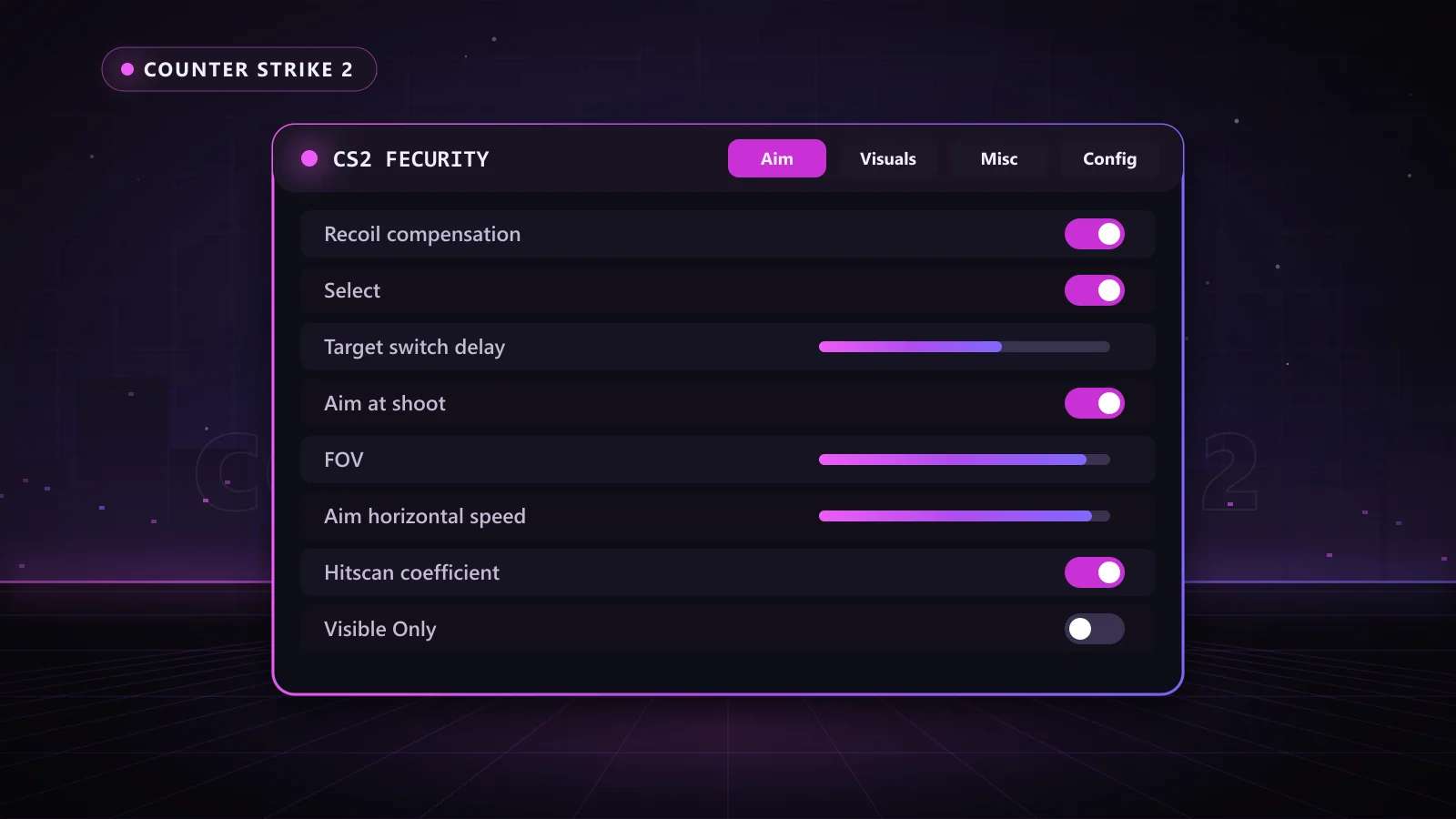
CS2 Fecurity keeps things clean with aim at shoot, visible-only and enemy-only targeting, separate horizontal and vertical aim speed, recoil compensation, FOV, target switch delay and a hitscan coefficient. It comes in 1 day, 2 week and 1 month keys.
CS2 DMA
CS2 DMA runs from a second PC and is packed with options: aim assist with smooth horizontal and vertical sensitivity, a 1 to 30 degree FOV, reaction delay and low HP priority; 13 bones with per-weapon overrides for 30 weapons; humanization; a triggerbot and trigger magnet; standalone RCS with a recoil crosshair overlay; visibility and smoke checks; and boxes, skeletons and head dots. Pair it with a Chams 75T card and a Makcu for a full setup.
Want to win more rounds this week? Check the live status page, choose your CS2 product and key length, and your key arrives automatically right after payment.
Smart Settings for CS2
- Keep FOV small and aim smooth. Overwatch reviewers notice snaps; a tight FOV with smoothing looks like good crosshair placement.
- Use visibility and smoke checks. Shooting through smoke is one of the most reported behaviours.
- Use ESP for information. Knowing where the AWP is lets you pick a better route without staring at walls.
- Tune RCS below maximum so sprays look controlled rather than perfectly flat.
- Check status after CS2 updates, because VAC changes can arrive with game patches.
Starting Fresh on a New CS2 Account
If you are setting up a new account, a little planning goes a long way:
- Start with a short key. A 1 day key lets you learn a product's menu and find settings that feel natural.
- Build normal playtime. Trust Factor rewards accounts that look like regular players, so mix in casual modes and deathmatch.
- Save your configs. Once your FOV, smoothing and RCS feel right, keep them and move to a longer key.
- Keep reports low. Calm, natural play attracts fewer reports, which keeps Overwatch out of the picture.
Why Choose Chams for CS2
- Three approaches: feature-rich software, a clean lightweight option and a full DMA build.
- Live status page: see the current state of each product before you queue.
- Frequent updates: products are updated after CS2 patches.
- Real support: help with installs, configs and DMA hardware.
- Flexible keys: 1 day to 3 month options, delivered automatically right after payment. See what players say on the Chams reviews page.
Frequently Asked Questions
Is a VAC ban permanent?
Yes. It is permanent for the game it applies to and stays visible on your Steam profile. Valve support states it cannot remove them.
Why are Valve's bans delayed?
Delays make it harder to tell exactly what was detected and when, and they let Valve group many bans into a single wave.
What is the difference between a VAC ban and a game ban?
The first comes from Valve Anti-Cheat detection. A game ban is issued by the game's own systems, such as CS2 Overwatch. Both show on your Steam profile.
Is VAC a kernel-level anti-cheat?
No. VAC runs in user mode, unlike kernel-level systems such as Vanguard, BattlEye or Easy Anti-Cheat.
Which Chams product is best for CS2?
CS2 Predator is the best all-rounder, CS2 Fecurity suits players who want a lighter tool, and CS2 DMA is the pick for a second-PC setup.
Take Over Your Next CS2 Match
Now you know how a VAC ban, Overwatch and Trust Factor fit together, you can choose a setup that keeps you winning. Start with CS2 Predator for aimbot, RCS and ESP, or compare every option on the CS2 cheats page. Check the status page, pick your key length, and start taking rounds.