
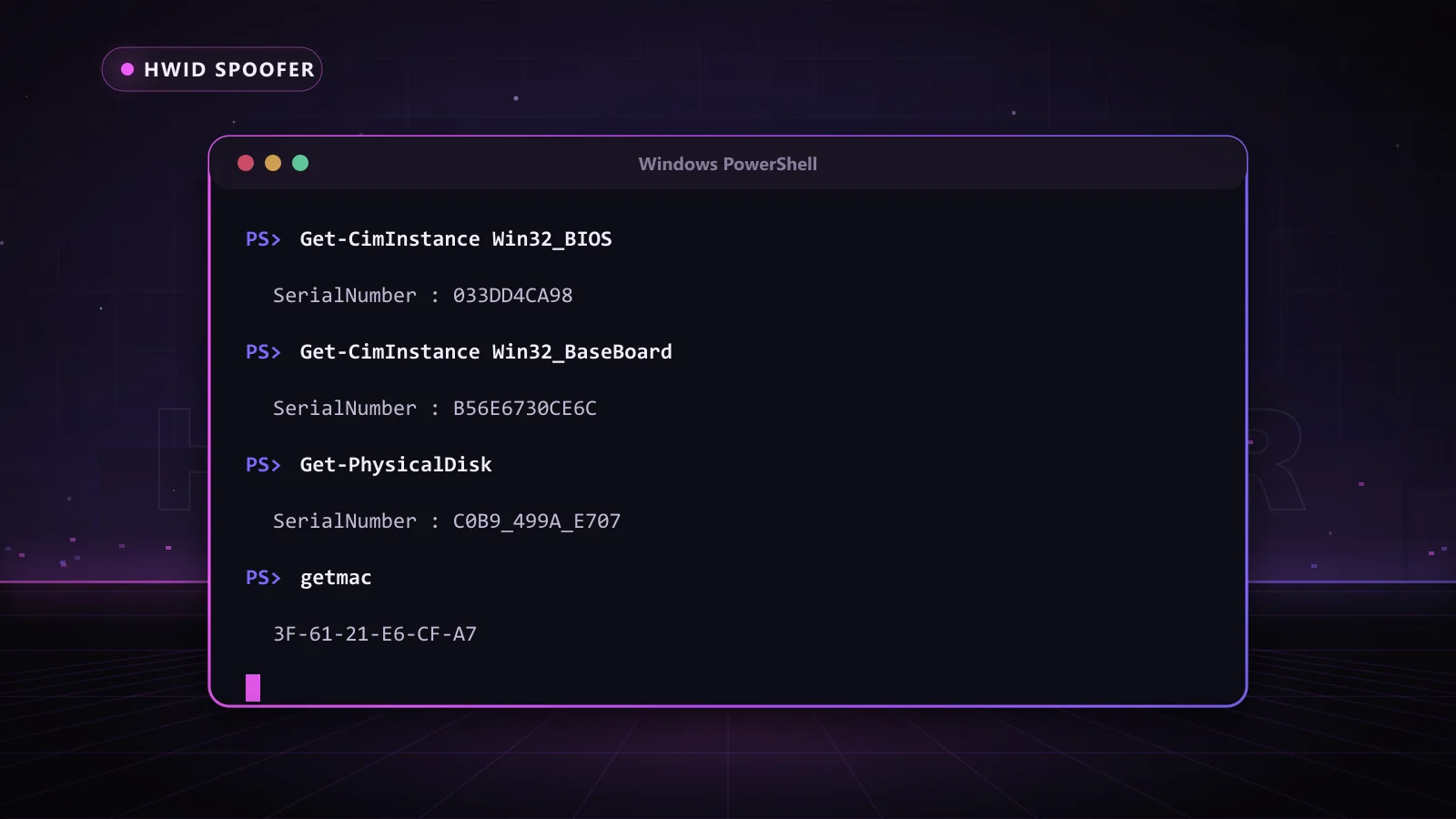
If you have been hit with a hardware ban, or you just want to know what a game can see about your PC, the first step is learning how to check HWID values yourself. The good news: Windows already ships with everything you need. In about five minutes you can list every serial that makes up your hardware fingerprint, save it to a file, and know exactly what a spoofer needs to change.
This cheat sheet from the Chams team gives you the exact commands, explains what each value means in plain English, and shows how our HWID spoofers use that same information to get you back into your games on a fresh fingerprint.
Key Takeaways
- There is no single HWID. It is a fingerprint built from disk serials, motherboard and BIOS serials, the system UUID, MAC addresses and a few Windows values.
- PowerShell's Get-CimInstance is the modern way to read them; the old wmic tool is deprecated and missing on many Windows 11 builds.
- Reinstalling Windows only resets software IDs, which is why hardware bans survive a clean install.
- Save your serials before and after spoofing so you can see exactly what changed.
- The Chams HWID Spoofer includes a built-in HWID checker and one-click spoofing, so you can verify results without typing a single command.
What Your HWID Actually Is
HWID is short for hardware ID. Anti-cheat systems, license managers and device-management tools all collect a set of identifiers from your PC and combine them into one fingerprint. If enough of those values match a machine they have flagged before, your new account gets treated as the old one.
That is the whole reason a fresh account can get banned within minutes of its first match. The account is new, but the hardware fingerprint is not. Our guide on how HWID bans work goes deeper into the enforcement side. Here we focus on reading the values yourself.
How to Check HWID Values With PowerShell
Open the Start menu, type PowerShell and open Windows PowerShell or Terminal. A normal window works for almost everything below. Each command queries the Windows Management Instrumentation (WMI) database, which is the same source many programs read from. Nothing here writes to your system; every command only displays information.
| What you want to see | PowerShell command | What it shows |
|---|---|---|
| Disk serials | Get-CimInstance Win32_DiskDrive | Select-Object Model, SerialNumber | Each physical drive's model and factory serial |
| BIOS serial | Get-CimInstance Win32_BIOS | Select-Object Manufacturer, SerialNumber | The serial stored in your system firmware |
| Motherboard serial | Get-CimInstance Win32_BaseBoard | Select-Object Manufacturer, Product, SerialNumber | Board maker, model and board serial |
| System UUID | Get-CimInstance Win32_ComputerSystemProduct | Select-Object UUID | The SMBIOS UUID set by the manufacturer |
| CPU identifier | Get-CimInstance Win32_Processor | Select-Object Name, ProcessorId | Processor name and its ProcessorId value |
| MAC addresses | Get-NetAdapter | Select-Object Name, MacAddress | The hardware address of every network adapter |
| Physical disks (alternative) | Get-PhysicalDisk | Select-Object FriendlyName, SerialNumber | Drive serials as seen by the Storage module |
The vertical bar passes results to Select-Object, which trims the output to the useful fields. Want everything Windows knows about a part? Run only the first half of the command, for example Get-CimInstance Win32_BaseBoard, and you will get the full record.
The old way: Command Prompt and wmic
Older guides on how to check HWID tell you to use wmic. Microsoft has deprecated it, and on recent Windows 11 builds you may see "wmic is not recognized". If it is still on your PC, these classic commands read the same data:
- wmic diskdrive get model,serialnumber lists drive models and serials.
- wmic bios get serialnumber shows the BIOS serial.
- wmic baseboard get product,serialnumber shows the motherboard model and serial.
- wmic csproduct get uuid shows the system UUID.
- getmac /v lists adapters and MAC addresses and still works on current Windows.
What Each Serial Means for a Hardware Ban
Reading the output is easy. Knowing which lines matter is what turns this into useful information.
Disk serials
Every SSD and hard drive carries a factory serial. It is one of the most stable values on a PC because it travels with the drive. Windows also assigns a volume serial to each formatted partition, but that one changes when you reformat, so it is far weaker as an identifier.
BIOS and motherboard serials
Both live in the firmware's SMBIOS tables. On laptops and prebuilt desktops the BIOS serial usually matches the sticker on the case. On custom builds you will often see placeholders like "To be filled by O.E.M." or "Default string". That is normal; it just means the board maker never wrote a unique value.
System UUID
A 128-bit value in SMBIOS that is meant to be unique per machine. Management software and anti-cheat systems lean on it heavily because it rarely changes unless the motherboard does.
MAC addresses
Each network adapter (Ethernet, Wi-Fi, Bluetooth, plus virtual adapters from VPNs) has its own address. The physical adapters are the ones that count for identification.
CPU ProcessorId
Despite the name, ProcessorId is not a unique serial. It describes the CPU family and feature flags, so two identical chips usually report the same value. It still narrows down your model as part of a fingerprint.
Windows-level values
A few IDs come from Windows itself. The Machine GUID is created at install and can be read with reg query "HKLM\SOFTWARE\Microsoft\Cryptography" /v MachineGuid. If your PC has a TPM, Get-Tpm in an administrator window confirms it is present; each TPM carries an endorsement key unique to that chip, which is why tpm spoofer has become a common search.
Which IDs Survive a Reinstall
This table is the reason so many players get re-banned after wiping Windows. The values that stay put are exactly the ones a device fingerprint relies on.
| Identifier | Changes after a Windows reinstall? | Changes after a hardware swap? |
|---|---|---|
| Machine GUID | Yes | No |
| Volume serial | Yes, when reformatted | Yes |
| Disk factory serial | No | Yes, when the drive is replaced |
| BIOS / motherboard serial | No | Yes, with the motherboard |
| System UUID | No | Usually, with the motherboard |
| Physical MAC address | No | Yes, with the adapter or board |
| TPM endorsement key | No | Yes, with the CPU (firmware TPM) or TPM chip |
Replacing a motherboard, drives and network card every time you get flagged is expensive. A spoofer presents new values for those same identifiers without touching the hardware, which is the faster and cheaper route most players take.
Save a Before and After Snapshot
Here is the habit that separates players who know their spoofer is working from players who are guessing. Add | Out-File $HOME\Desktop\serials-before.txt to the end of each command to write the output to a file on your desktop. After you spoof, run the same commands again into serials-after.txt and compare the two.
Every line that differs is an identifier that changed. If the disk serials, UUID and board serial all show new values, your spoofer is doing its job. If they match the old file, something is not applied yet. One extra tip: some BIOS updates reset SMBIOS fields to defaults, so run a fresh snapshot after any firmware update too.
Skip the typing. The Chams HWID Spoofer has a built-in HWID checker, so you can confirm your serials before and after a one-click spoof right inside the tool. Keys are delivered automatically right after payment in 1 Day, 1 Week, 1 Month or Lifetime lengths.
Picking the Right Chams HWID Spoofer
Once you know which values tie you to a ban, choosing a spoofer gets simple. Chams carries three options, each built for a different kind of player.
| Product | Best for | Highlights | Key lengths |
|---|---|---|---|
| HWID Spoofer | Quick fixes and short sessions | 1 Click Spoof, built-in HWID checker, all Windows versions and CPUs, titles like Rainbow Six Siege, Destiny 2, ARK and War Thunder | 1 Day, 1 Week, 1 Month, Lifetime |
| Reported.lol Spoofer | Fortnite, Apex Legends and other EAC titles | Built-in cleaner, Intel and AMD, Windows 10 and 11, supports Fortnite (including tournaments), Apex, Dead by Daylight and Hell Let Loose | 15, 30, 90 or 365 Days |
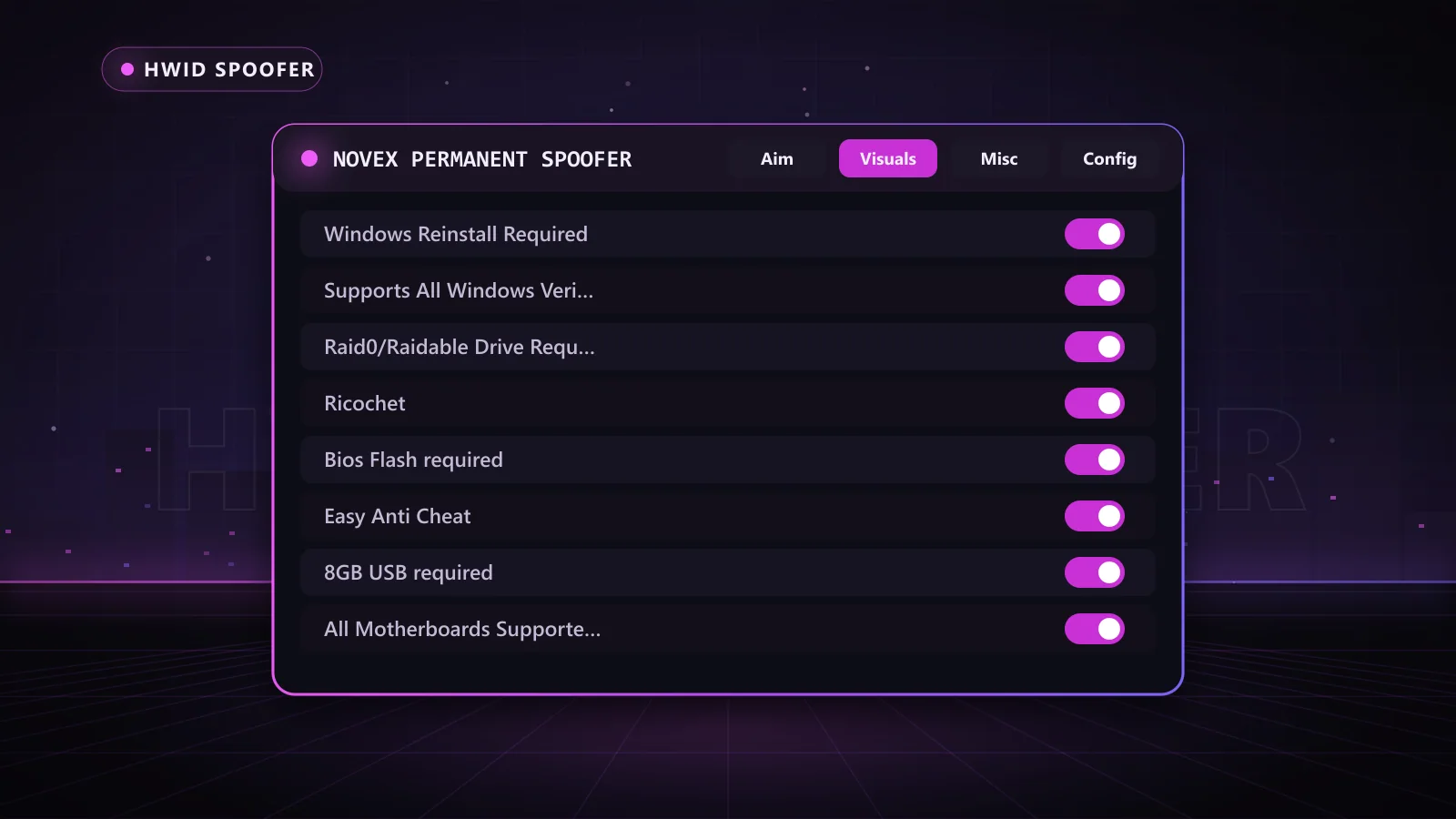
| Novex Permanent Spoofer | A set-and-forget permanent change | Covers Easy Anti-Cheat (including Fortnite), BattlEye and Ricochet; needs a BIOS flash, Windows reinstall, 8GB USB and a RAID0-capable drive setup | One Time, Lifetime |
If you want a quick spoof each time you launch, the HWID Spoofer is the easiest start. If you play Fortnite or Apex every day, the Reported.lol Spoofer with its built-in cleaner is a strong fit. If you would rather do the setup once and move on, the Novex Permanent Spoofer rewrites your identifiers permanently; note that HP, Dell and Alienware boards are not supported.
Why Players Choose Chams
- Real support: a team that walks you through setup, including the before-and-after checks above.
- Live status page: check the Chams status page before every session for the current state of each product.
- Frequent updates: spoofers are maintained against the latest Windows builds and anti-cheat changes.
- Flexible key lengths: try a day, commit to a month, or go lifetime.
- Automatic delivery: keys are delivered automatically right after payment, so you are not waiting on anyone.
Want to understand the tool categories before you buy? Our breakdown of HWID changers versus spoofers explains when each one makes sense.
Frequently Asked Questions
How do I check my HWID on Windows 11?
Open PowerShell and run Get-CimInstance with Win32_DiskDrive, Win32_BIOS, Win32_BaseBoard and Win32_ComputerSystemProduct, selecting the SerialNumber or UUID fields. Together they show the main hardware serials. The older wmic commands may not exist on newer builds.
Is there one HWID number for my PC?
No. HWID is a fingerprint built from several identifiers, and different programs combine different values. That is why a good spoofer changes several serials at once rather than just one.
Why does my BIOS serial say "To be filled by O.E.M."?
Your board maker left the field as a placeholder, which is common on retail motherboards. Nothing is broken; disk serials and the UUID still identify your PC.
Does reinstalling Windows remove a hardware ban?
Usually not. A reinstall resets the Machine GUID and volume serials, but disk, board, UUID and MAC values stay the same, and those are what ban systems lean on.
How do I know if my spoofer worked?
Compare a before and after snapshot of your serials, or use the built-in HWID checker in the Chams HWID Spoofer. If the key identifiers show new values, the spoof applied.
Get Back In the Game on a Fresh Fingerprint
Now you know how to check HWID values, which ones survive a reinstall, and how to prove a spoof worked. The next step is picking the tool. Start with the Chams HWID Spoofer for one-click spoofing with a built-in checker, or browse every option on the HWID spoofer page. Check the status page, grab the key length that fits you, and your key arrives automatically right after payment.