
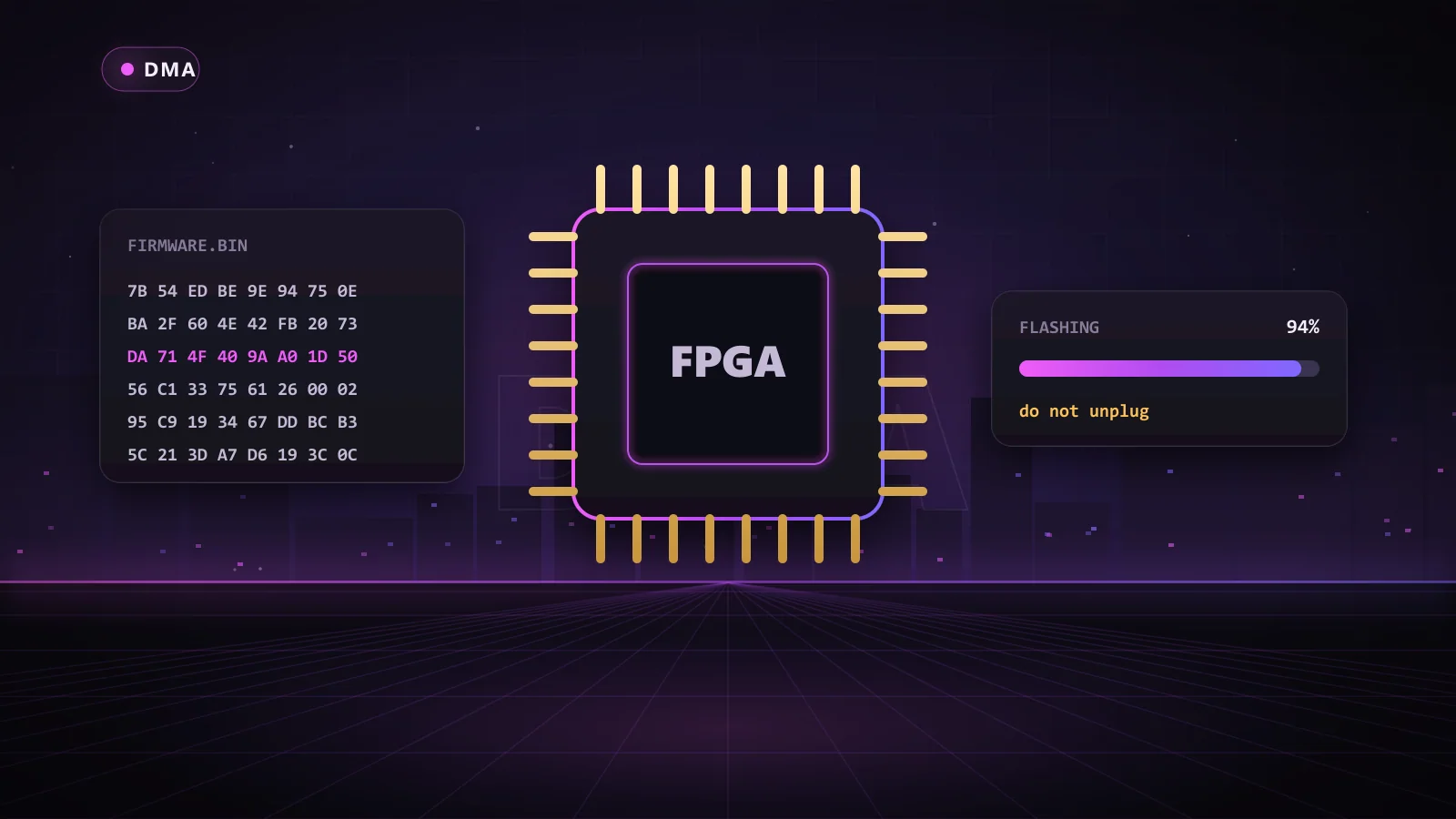
DMA firmware is the code that runs on the FPGA chip of your DMA card. It decides how the card identifies itself, how it answers when Windows and anti-cheat ask what it is, and how it behaves on the PCIe bus. Two identical cards can look completely different to the system depending on the firmware they run.
That is why experienced DMA players say firmware matters more than the card itself. This guide explains what firmware does, why default firmware is a problem, what 1:1 device emulation means, and how to pick the Chams firmware tier that matches the anti-cheat in your games.
Key Takeaways
- Firmware controls how your DMA card presents itself to Windows and anti-cheat.
- Default and widely shared firmware use known signatures that anti-cheat looks for.
- 1:1 custom firmware copies the full identity and configuration of a real device.
- Your firmware tier must cover your games' anti-cheat: EAC and BattlEye, or the stricter Vanguard and ACE.
- Chams 1:1 Custom FW is unique, DNA-locked to your card and comes with a one-month warranty and AnyDesk flashing help.
What Is DMA Firmware?
A DMA card is built on an FPGA, a chip that can be programmed to behave like almost any piece of hardware. The firmware is that program. It tells the chip how to talk on the PCIe bus, how to read memory, and, critically, what kind of device to claim to be.
Without firmware, the card does nothing. With basic firmware, it works but announces itself as exactly what it is. With quality custom firmware, it looks like an ordinary component that belongs in a gaming PC. If you are new to DMA in general, start with our explainer on what DMA means in gaming.
How a PCIe Device Identifies Itself
Every PCIe device carries an identity that the system reads when it starts up. That identity includes:
- Vendor and device IDs: numbers that say who made the device and what model it is.
- Subsystem IDs and class code: details that say what kind of device it is, such as a network or audio controller.
- Configuration space: a block of settings and capabilities the device exposes to the system.
- BARs (base address registers): the memory regions the device asks the system to map for it.
Windows uses all of this to load a driver. Anti-cheat can read the same information to decide whether a device looks normal.
Why Default DMA Firmware Is a Problem
Generic firmware typically reports the default IDs of an FPGA development board. No ordinary gaming PC has one of those installed, so it stands out immediately. Widely shared public firmware has the same problem in a different form: once thousands of cards report the same identity, that identity becomes a known signature.
Default firmware also tends to have an incomplete configuration space. Real devices expose a full, consistent set of capabilities. A device that claims to be a network card but does not behave like one is easy to flag.
What Is Device Emulation, and What Does 1:1 Mean?
Device emulation means the firmware makes the DMA card present itself as a different, legitimate device. Done well, the card's IDs, configuration space and behavior all match the device it is pretending to be.
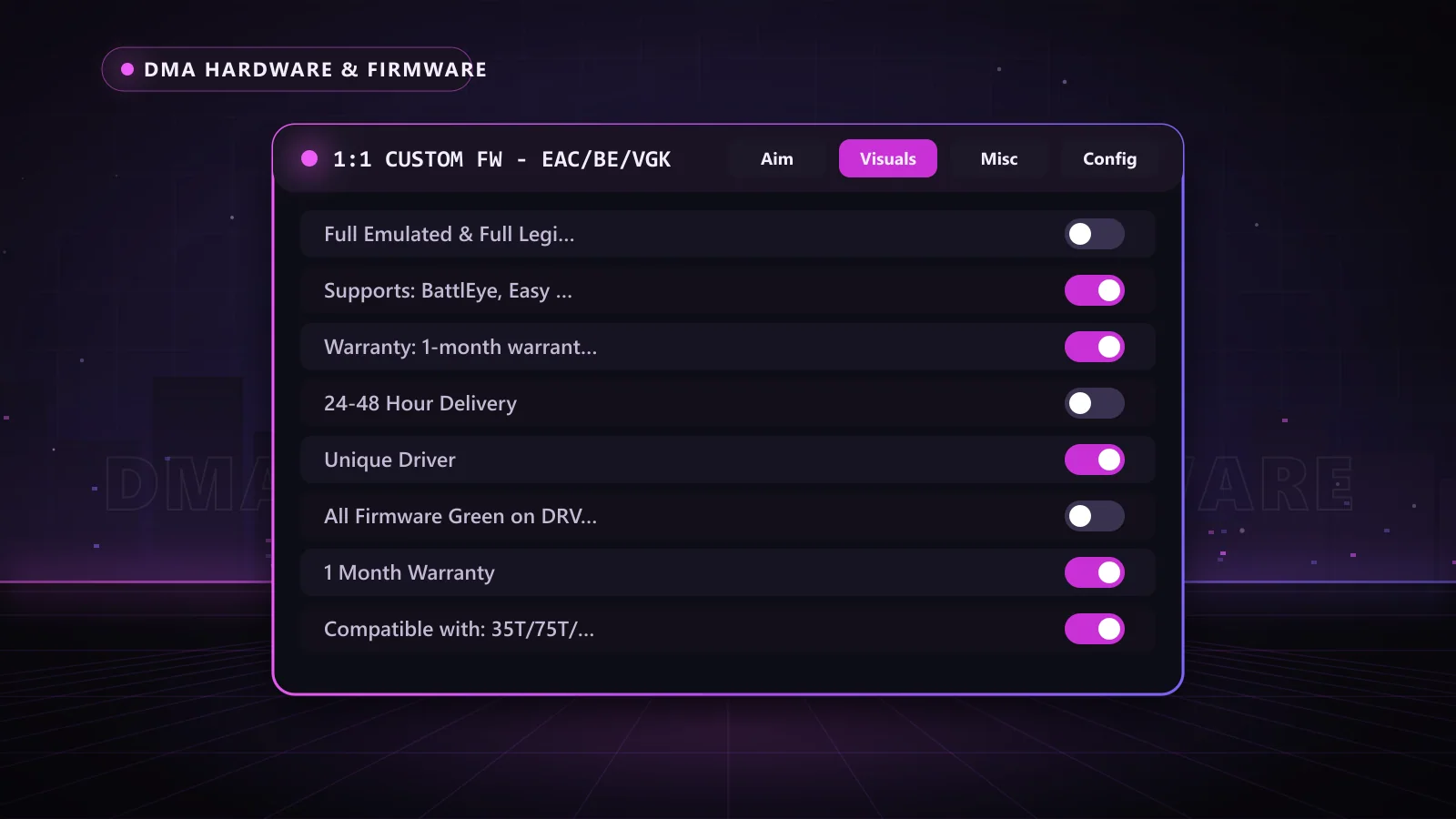
"1:1" firmware takes this to the full level. Instead of changing a few IDs, it replicates the complete configuration space of a real device, so the card looks like that device in every detail the system can see. Chams 1:1 Custom FW includes:
- Full emulated and full legit configuration space
- Full BAR support
- A unique driver
- Firmware checked clean on driver checks
- DNA locking to your specific card
DMA Firmware Types Compared
| Firmware type | Identity | Configuration space | Shared with others? | Best for |
|---|---|---|---|---|
| Default | FPGA development board | Minimal | Yes, every stock card | Testing only |
| Public or shared | A copied device identity | Often incomplete | Yes, widely | Not recommended |
| Chams 1:1 Custom FW | A real device, fully emulated | Full, legit configuration space | No, unique and DNA-locked | Serious players on protected games |
Matching DMA Firmware to Anti-Cheat
Different anti-cheats inspect hardware with different intensity, so Chams offers two firmware tiers.
EAC and BattlEye tier
The 1:1 Custom FW for EAC and BattlEye covers games protected by Easy Anti-Cheat and BattlEye, including titles such as Rust, Apex Legends, DayZ, Escape from Tarkov and Rainbow Six Siege. It works with 35T, 75T, 100T and ZDMA cards.
EAC, BattlEye, ACE and Vanguard tier
The 1:1 Custom FW for EAC, BattlEye, ACE and VGK adds coverage for ACE and Riot Vanguard, the kernel-level anti-cheat used by Valorant. If you play Valorant, or want one card that covers the strictest systems, choose this tier. It pairs with products such as Valorant RKX DMA, which brings variable X/Y smoothing, per-weapon settings and a raytrace-based triggerbot.
Starting fresh? The Chams DMA 75t Bundle lets you choose your firmware tier (no firmware, EAC/BE, or EAC/BE/VGK) and ships it with the 75t card, a Makcu input device and a Dichen 6th Gen fuser.
How to Judge DMA Firmware Quality
Not all "custom" firmware is equal. Use this checklist before you buy:
- Is it unique? Firmware sold to many buyers with the same identity is a shared signature.
- Is the configuration space complete? Partial emulation is easier to spot than a full 1:1 copy.
- Does it support BARs properly? Full BAR support means the device behaves like the real thing.
- Is it locked to your card? DNA locking ties the firmware to your hardware.
- Is there a warranty? Chams firmware includes a one-month warranty, with a replacement fee after it ends.
- Is flashing support included? Chams offers AnyDesk support to flash your card if you need it.
- Is it compatible with your card? Chams firmware supports 35T, 75T, 100T and ZDMA boards.
What Happens After You Order Chams Firmware
Custom 1:1 firmware is built for your card rather than pulled off a shelf, so the process looks a little different from buying a software key:
- Pick your tier: EAC/BE for Easy Anti-Cheat and BattlEye games, or EAC/BE/VGK if you also want ACE and Vanguard coverage.
- Confirm your card: the firmware supports 35T, 75T, 100T and ZDMA boards. If you bought the Chams DMA 75t card or bundle, you are already covered.
- Receive your build: your firmware is prepared as a unique build and DNA-locked to your card, so it is not shared with other buyers.
- Flash the card: follow the instructions, or let the Chams team handle it over AnyDesk.
- Verify and play: confirm the card shows up as its emulated device, load your DMA product on the second PC, and check the status page.
The whole point is to remove guesswork. You should not need to understand configuration space or BAR layouts to get a quality result, and with support on hand you do not have to.
Firmware, Game Updates and Your Warranty
Game patches mostly affect the software side of a DMA rig, not the card. When a game updates, the DMA product for that game is what gets updated, and the status page shows when it is ready. Your firmware usually stays in place across those updates.
Anti-cheat changes are different. When an anti-cheat starts looking at hardware in a new way, firmware may need to be replaced. That is exactly what the one-month warranty covers, and after it ends a replacement is available for a fee. Keeping an eye on the status page and talking to support before you play after a major anti-cheat change is the simplest way to stay ahead.
Does Custom Firmware Remove All Risk?
No firmware makes a setup invisible. Anti-cheat developers keep improving, and gameplay itself can draw attention through reports and server-side checks. What quality firmware does is remove the most obvious hardware red flags, which is why it is the foundation of every serious DMA rig.
Keep your firmware tier matched to your games, play with sensible settings, and check the Chams status page for the live status of your DMA product before you play. If a firmware ever needs replacing, the warranty and support team are there to help.
Why Choose Chams Firmware
- Unique 1:1 builds: full emulation, a unique driver and DNA locking to your card.
- Two clear tiers: EAC/BE for most games, EAC/BE/VGK for Vanguard and ACE titles.
- Hands-on help: AnyDesk flashing support and a one-month warranty.
- The full chain: cards, fusers, the Makcu and DMA products for many games, all from one store.
Frequently Asked Questions
What does DMA firmware do?
It controls how your DMA card reads memory and how it identifies itself to Windows and anti-cheat.
Do all DMA cards need custom firmware?
Every card needs firmware to work. For protected games, custom 1:1 firmware is strongly recommended over default or shared firmware.
Is 1:1 DMA firmware worth it?
Yes, for anyone playing games with active anti-cheat. It replicates a real device in full, rather than changing a few IDs.
Does Valorant need special firmware?
Yes. Valorant uses Riot Vanguard, so choose the EAC/BE/VGK tier.
Can I flash the firmware myself?
You can, or the Chams team can help you flash it over AnyDesk.
Get Firmware Built for Your Games
The right firmware turns a DMA card into a serious tool. Choose the EAC/BE/VGK 1:1 Custom FW for maximum coverage, or browse cards, fusers and input devices on the DMA hardware page.