
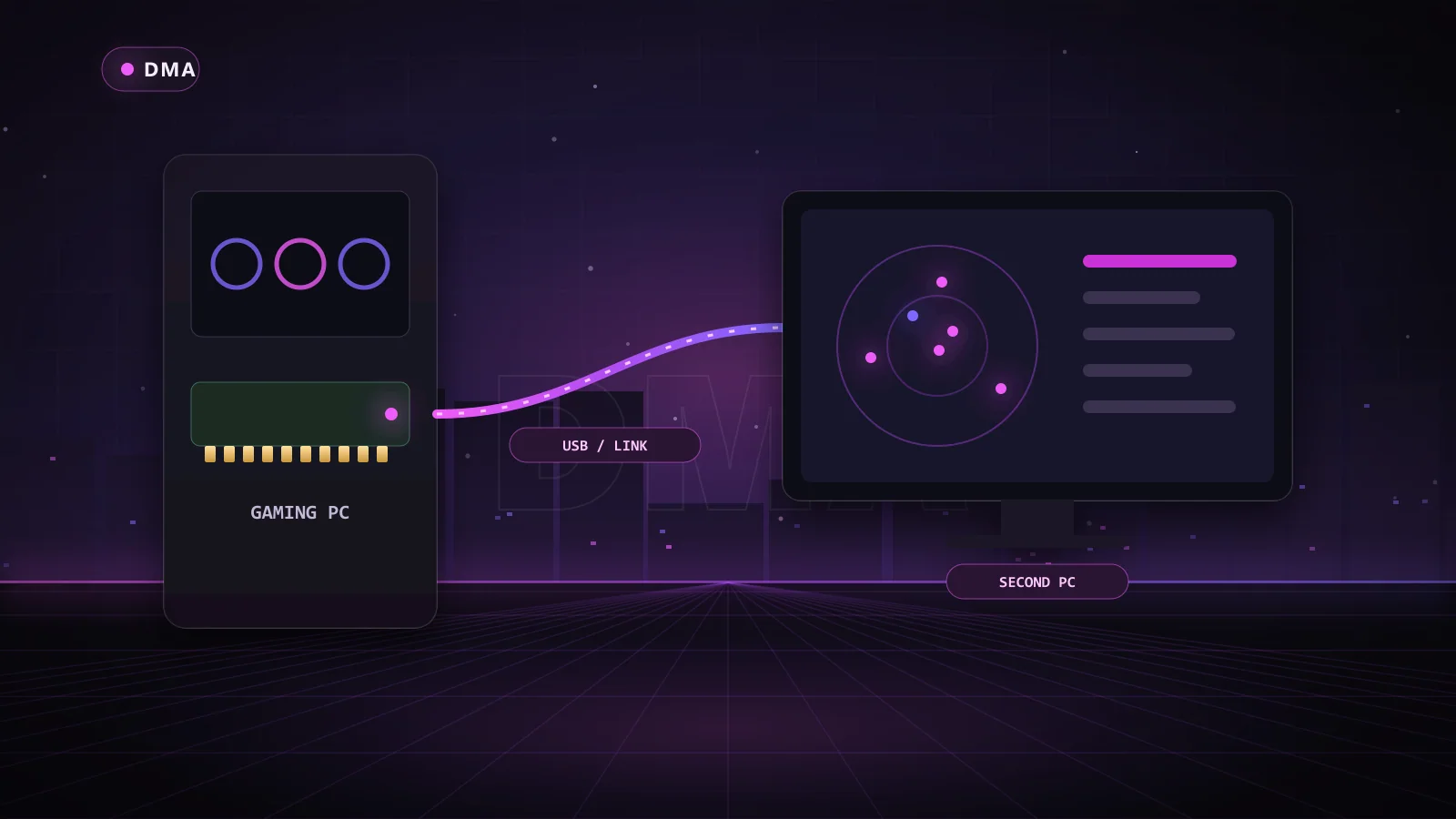
A DMA setup looks intimidating the first time you see it: a PCIe card, a second computer, a box between your monitors and another box between your mouse and your PC. Once you understand what each part does, the whole thing clicks into place, and you end up with a rig that shows you every player on the map while your gaming PC keeps its full frame rate.
This walkthrough covers each part of a DMA setup at a practical level, how the parts connect, a hardware checklist you can copy, and the common mistakes that cost new users the most time. Everything here is available from Chams, either piece by piece or as a single bundle.
Key Takeaways
- A complete rig has five parts: the DMA card, its firmware, a second PC, a display method and an optional input device.
- Pick your firmware tier based on the anti-cheat in the games you play. Vanguard titles need a VGK-capable tier.
- A fuser lets you see ESP on your main monitor; a second monitor or web radar works too.
- An input device such as the Chams DMA Makcu is only needed for aim features.
- The Chams DMA 75t Bundle includes the card, your firmware tier, a Makcu and a Dichen 6th Gen fuser in one order.
What Is a DMA Setup?
A DMA setup is a two-computer system. Your gaming PC runs the game as normal. A DMA card installed in that PC reads game memory and sends the data over USB to a second PC. The second PC runs the cheat software, which turns the data into ESP, radar, loot markers and, if you want it, aim assistance.
The appeal is simple. The cheat software never runs on the gaming PC, and the heavy processing happens on another machine, so you keep your frame rate. If you are still getting to grips with the basics, the short version is this: the card reads, the second PC thinks, and you see the result.
DMA Setup Hardware Checklist
Here is everything a complete rig needs, with the Chams option for each part.
| Part | Required? | What to look for | Chams option |
|---|---|---|---|
| DMA card | Yes | FPGA size, reliable ports, a kill switch | Chams DMA 75t PCIe Card |
| Firmware | Yes | Coverage for your games' anti-cheat, full emulation | 1:1 Custom FW EAC/BE or EAC/BE/VGK |
| Second PC | Yes | A stable desktop with a free USB port | Your own spare machine |
| Display method | Yes | Fuser for one-monitor play, or a second screen | Dichen 6th Gen Fuser or Dichen DC505 4K Fuser |
| Input device | Only for aim features | Supported by your game's DMA software | Chams DMA Makcu |
| Game software | Yes | A DMA product for your game with active updates | Rust Vex DMA, Valorant RKX DMA, CS2 DMA and more |
Part 1: The DMA Card
The card is the heart of the setup. It sits in a spare PCIe slot in your gaming PC and does one job: read memory and pass the data to the second PC over USB.
The Chams DMA 75t PCIe Card is a high-throughput 75T board with a USB-C data port, a JTAG USB-C port, a hardware kill switch, a USB-A to USB-C 3.0 cable and fixing screws. It comes with free shipping and no firmware installed, so you choose the firmware that fits your games.
Physical install basics
- Power the gaming PC down fully before opening the case.
- Use a free PCIe slot that does not block your graphics card's airflow.
- Secure the card with the included screws so the USB cable cannot pull it loose.
- Run the data cable to a USB 3.0 port on the second PC.
Part 2: DMA Firmware
Firmware decides how the card presents itself to Windows and to anti-cheat. Generic firmware makes the card look like an obvious development board. Custom 1:1 firmware makes it present itself as a real, ordinary device.
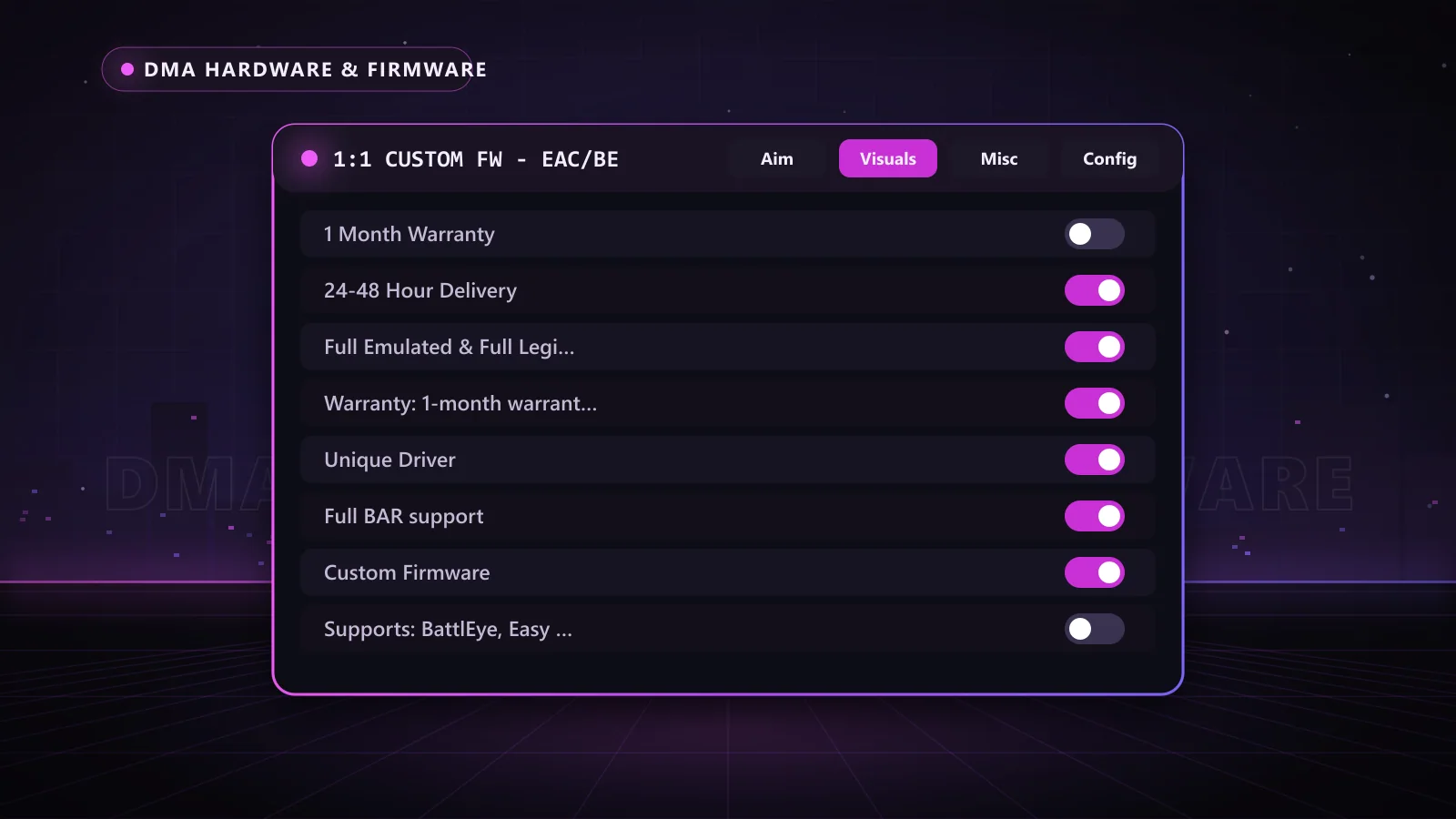
The 1:1 Custom FW for EAC and BattlEye covers Easy Anti-Cheat and BattlEye games and works with 35T, 75T, 100T and ZDMA cards. It includes full BAR support, a full emulated configuration space, a unique driver and DNA locking to your card, plus a one-month warranty. If you play Valorant or ACE-protected games such as Delta Force, choose the EAC/BE/VGK tier instead. The Chams team can flash it for you over AnyDesk if you prefer not to do it yourself.
Part 3: The Second PC
The second PC runs the DMA software, so it needs to be stable more than it needs to be powerful. A spare desktop works well for most products. What matters:
- A good USB 3.0 port for the card's data cable.
- A graphics output that matches your display plan. If you use the Dichen DC505 4K Fuser, both PCs need a dedicated NVIDIA GTX 10-series or newer, or AMD RX 500-series or newer, GPU, and laptops and mini PCs are not supported.
- A clean Windows install dedicated to the DMA software, so nothing else competes for resources.
Part 4: Seeing the Output With a Fuser, Monitor or Web Radar
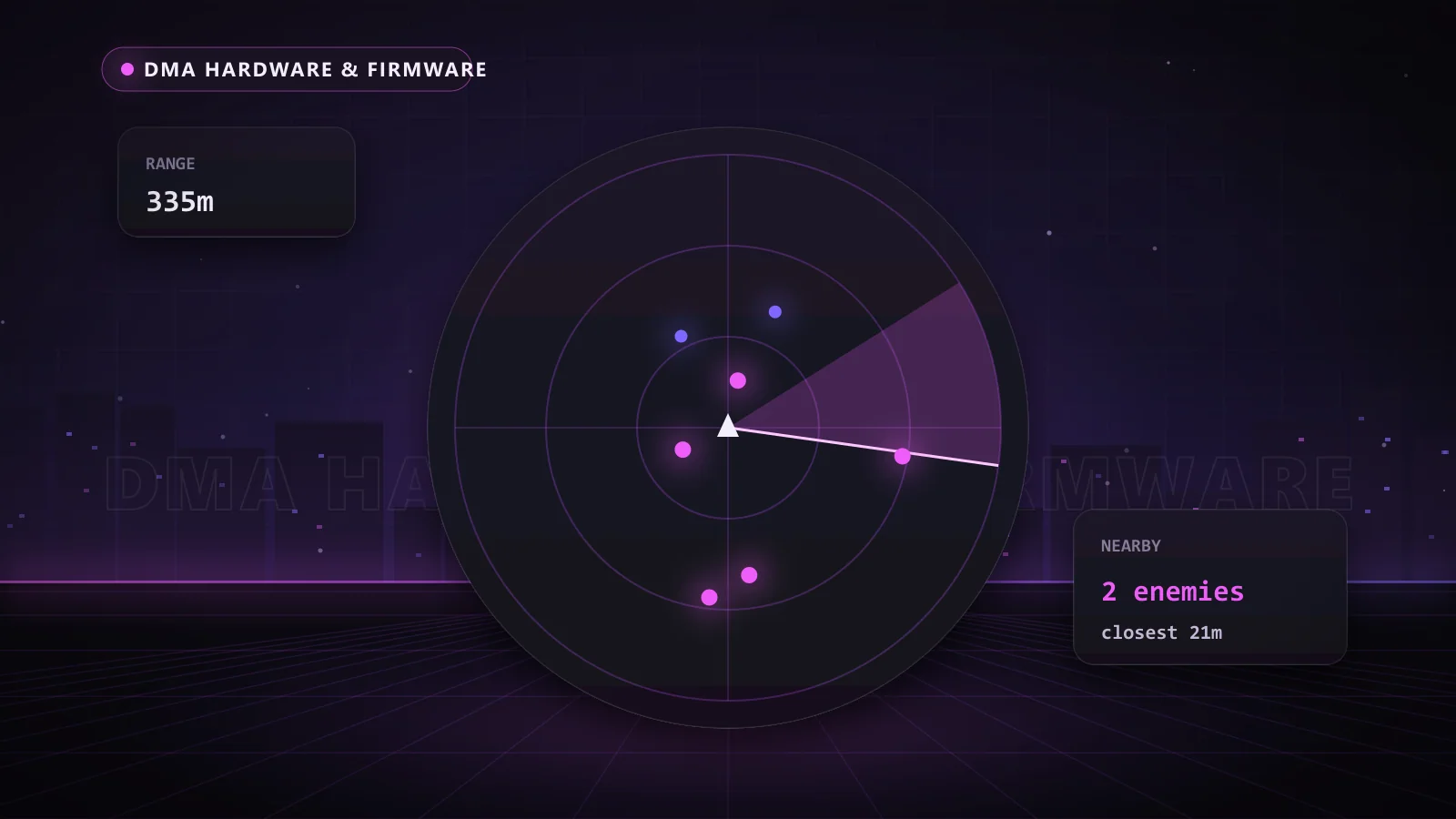
The second PC draws your ESP. The question is where you see it. You have three options:
- A fuser merges the gaming PC's video with the second PC's overlay, so ESP appears on your main monitor. The Dichen 6th Gen Fuser needs no flashing and handles 1920x1080 at 240Hz, 2560x1440 at 144Hz and 3840x2160 at 60Hz over HDMI. For high-refresh play, the Dichen DC505 4K Fuser runs up to 540Hz at 1080p and includes a built-in capture card.
- A second monitor shows the radar or ESP next to your game. Cheap and simple, but you have to look away from the action.
- A web radar lets you open the map on a phone or tablet. Products such as Rust Vex DMA and DayZ DMA include one.
Skip the shopping list. The Chams DMA 75t Bundle includes the 75t card, your choice of firmware tier, the Makcu aimbot device and a Dichen 6th Gen fuser, so every part arrives together and is known to work together.
Part 5: Adding an Input Device for Aim Features
ESP and radar only need the card and a display. If you want aim assistance or a triggerbot, the second PC needs a way to move your mouse. That is the job of an input device that sits between your mouse and the gaming PC.
The Chams DMA Makcu offers full pass-through, works with your native mouse software, uses open-source firmware with active development, and accurately replicates real device descriptors. It needs no wiring or hardware locking and comes professionally assembled with two USB cables. It is a cheap upgrade over a traditional KMBox and is supported by products such as Rust Vex DMA and Valorant RKX DMA.
How the Parts Connect
- The DMA card sits in the gaming PC and connects to the second PC by USB.
- The gaming PC's video output goes into the fuser, and the second PC's output goes into the fuser's second input.
- The fuser outputs one combined picture to your monitor.
- Your mouse plugs into the Makcu, the Makcu plugs into the gaming PC, and the Makcu's second cable goes to the second PC.
- The DMA software for your game runs on the second PC using your product key.
Before each session, check the Chams status page for the live status of your product.
Common Mistakes New DMA Users Make
- Buying the wrong firmware tier: EAC/BE firmware does not cover Vanguard or ACE. Match the tier to every game you plan to play.
- Running generic firmware: the card will work, but it presents itself as an obvious FPGA board.
- Using a weak USB port: a loose cable or slow port on the second PC causes stutter and dropped reads.
- Buying an unsupported input device: check that your game's DMA product lists your device, such as Makcu, KMBox or Ferrum.
- Mismatched fuser and monitor: pick a fuser that supports your resolution and refresh rate, or you lose the smoothness you paid for.
- Skipping the status page: games patch, and the status page tells you when a product is ready after an update.
Why Build Your Rig With Chams
- The full chain in one store: card, firmware, fusers, Makcu and DMA cheats for many games.
- Real setup support: help with firmware flashing over AnyDesk and with getting each part talking to the next.
- Live status and frequent updates: products are maintained as games patch, with a public status page.
- Flexible game keys: DMA products come in day, week, month and longer keys, delivered automatically right after payment.
- Spoofer options: add an HWID spoofer for your gaming PC if you want an extra layer.
Frequently Asked Questions
How long does a DMA setup take?
Once all the parts arrive, installing the card, connecting the fuser and input device and loading your software is usually an evening's work. Firmware flashing can be handled by the Chams team over AnyDesk.
Can I use a laptop as the second PC?
Some setups work with a laptop, but a desktop is more reliable. The Dichen DC505 4K Fuser specifically does not support laptops or mini PCs.
Do I need a fuser for DMA?
No. A second monitor or web radar works. A fuser is the best choice if you want ESP on your main screen.
Can one rig run multiple games?
Yes. The same card, fuser and input device work across games. You only add the DMA product for each game, and make sure your firmware tier covers each anti-cheat.
What firmware do I need for Valorant?
Valorant uses Vanguard, so choose the 1:1 Custom FW EAC/BE/VGK tier.
Build Your DMA Rig Today
A well-planned DMA setup gives you full-map awareness, a clean gaming PC and the freedom to add new games whenever you like. Start with the Chams DMA 75t Bundle for everything in one order, or pick your parts individually on the DMA hardware page.