
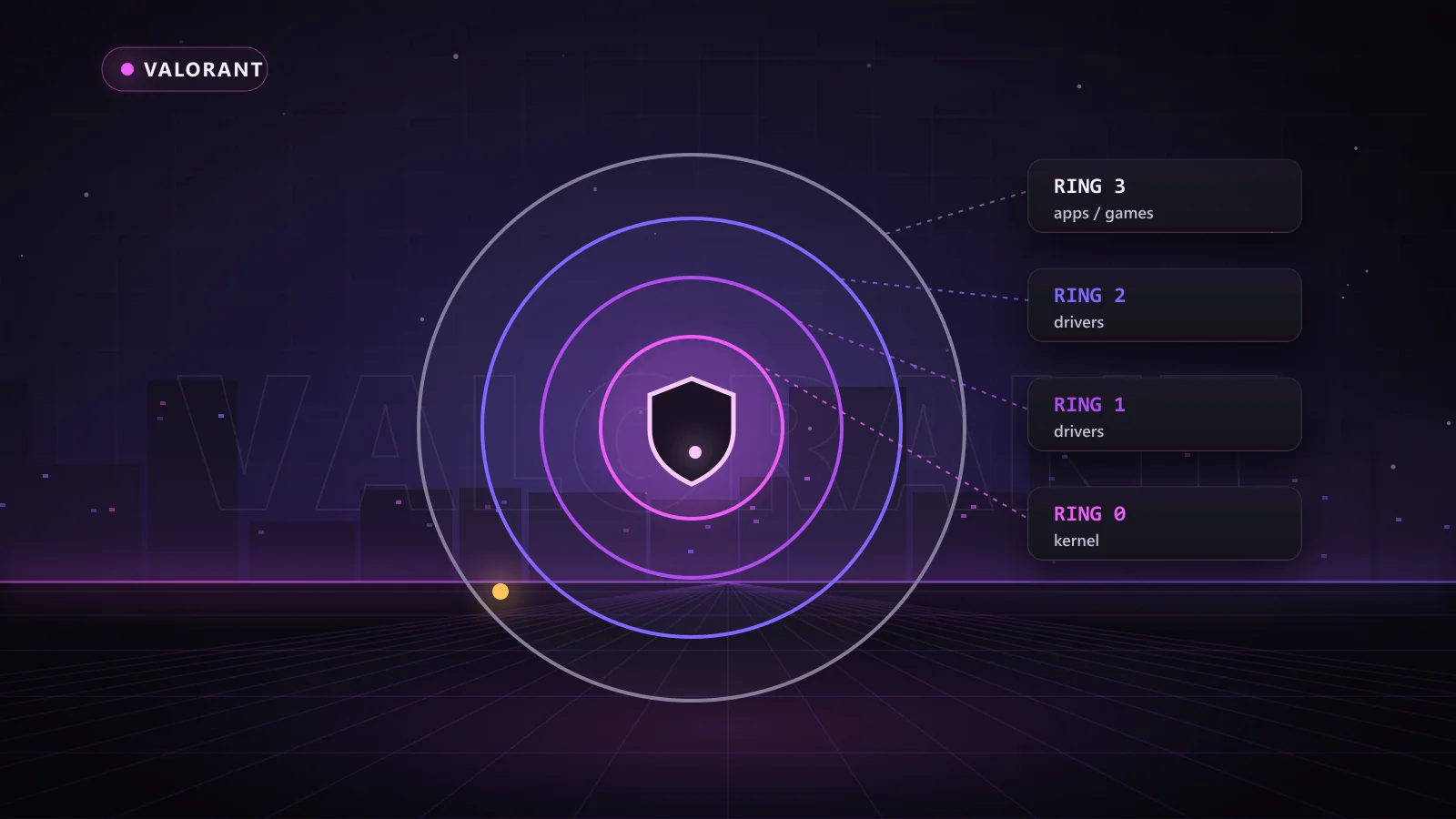
The Valorant anti cheat is called Riot Vanguard, and it is one of the strictest systems in competitive gaming. Unlike most anti-cheats, which start when you launch a game, Vanguard's kernel driver loads when Windows boots and stays running in the background.
That design is the reason so many players ask which tools still make sense for Valorant. The answer comes down to approach: what works in a game protected by Easy Anti-Cheat does not automatically work against a boot-time driver. This guide explains how Vanguard works, what the common VAN errors mean, how hardware bans land, and which Chams products are built for Valorant, from colorbots to DMA.
Key Takeaways
- Riot Vanguard is Valorant's anti-cheat, with a kernel driver that loads at Windows boot.
- It pairs the driver with a user-mode client, server-side analysis and player reports.
- VAN error codes usually point to setup issues; some, such as VAN 152, are widely reported as hardware bans.
- Hardware separation matters in Valorant, which is why colorbots and DMA setups are so popular.
- Chams offers Valorant Hero, Monarch, 1PC Colorbot and RKX DMA, plus EAC/BE/VGK firmware.
What Is Riot Vanguard?
Riot Games built Vanguard in-house and launched it alongside Valorant. It has two main parts: vgk, the kernel driver, and vgc, the client service that talks to the game and to Riot's servers. Riot has since rolled Vanguard out to League of Legends too.
When you install Valorant, Vanguard asks you to restart the PC. That restart is what lets the driver load before other software. You will also see a small Vanguard icon in the system tray, which shows whether the driver is running.
Why Is the Valorant Anti Cheat So Strict?
Three design choices make Vanguard tougher than most systems:
- It loads at boot. Because the driver is already running before the game starts, it can watch drivers and software that load afterwards.
- It can block drivers. Vanguard refuses to let some vulnerable or unknown drivers load while it is active, which is why certain tools and even some hardware utilities show warnings.
- It checks system security. On Windows 11, Valorant requires TPM 2.0 and Secure Boot, which tie the system more closely to its hardware.
On top of that, Riot runs server-side analysis of aim, movement and match data, and acts on player reports. The combination is why Valorant is known as one of the toughest games to play with third-party tools.
Vanguard VAN Error Codes at a Glance
Most VAN codes are setup or connection problems rather than bans. Riot's support site keeps the current list, but these are the ones players run into most:
| Code | What it usually means | Typical fix |
|---|---|---|
| VAN 9001 / VAN 9003 | TPM 2.0 or Secure Boot is not enabled on Windows 11 | Turn both on in the BIOS, then restart |
| VAN 1067 | Windows 11 security requirements not met at launch | Check TPM and Secure Boot, update Windows |
| VAN 81 | The client lost its connection to Vanguard or Riot services | Restart the PC and the Riot Client |
| VAN 152 | Widely reported as a hardware ban | Not fixable by reinstalling |
| VAN 68 | Connection issue with Riot servers | Check network and server status |
Fixing Common Vanguard Startup Problems
If Valorant will not launch, the Valorant anti cheat is usually the reason, and the fix is often quick:
- Restart the PC. Vanguard only loads at boot, so any install or update needs a full restart, not just a relaunch.
- Enable TPM 2.0 and Secure Boot in the BIOS on Windows 11 if you see VAN 9001, VAN 9003 or VAN 1067.
- Check the vgc service in Windows Services and set it to start automatically if it has been disabled.
- Reinstall Vanguard by uninstalling Riot Vanguard from Installed Apps, then launching Valorant so it reinstalls cleanly.
- Look at the tray icon. If it shows a warning, Vanguard has blocked a driver; Riot's message names the software involved.
Vanguard vs Other Anti-Cheats
| Anti-cheat | When the driver loads | Example games | Firmware tier at Chams |
|---|---|---|---|
| Riot Vanguard | Windows boot | Valorant, League of Legends | EAC/BE/VGK |
| Easy Anti-Cheat | Game launch | Fortnite, Apex Legends, Rust | EAC/BE |
| BattlEye | Game launch | Rainbow Six Siege, PUBG, Tarkov | EAC/BE |
The boot-time driver is why Vanguard needs its own firmware tier for DMA cards and why Riot's system is treated as the toughest of the three.
How Hardware Bans Work in Valorant
Most Valorant bans start at the account level, but Riot also uses hardware bans for serious cases. A hardware ban ties the restriction to identifiers from your PC, so a fresh account on the same machine is blocked as well. That is the situation VAN 152 is widely associated with.
HWID spoofers change the hardware identifiers games read. Before buying one for Valorant, check each spoofer's supported-games list on the HWID spoofer page or ask support, because spoofers list the games and anti-cheats they are built for.
Chams Valorant Tools Built for Vanguard
Because the Valorant anti cheat runs from boot, Chams offers several different approaches, so you can choose how your setup interacts with the system.
Valorant Hero
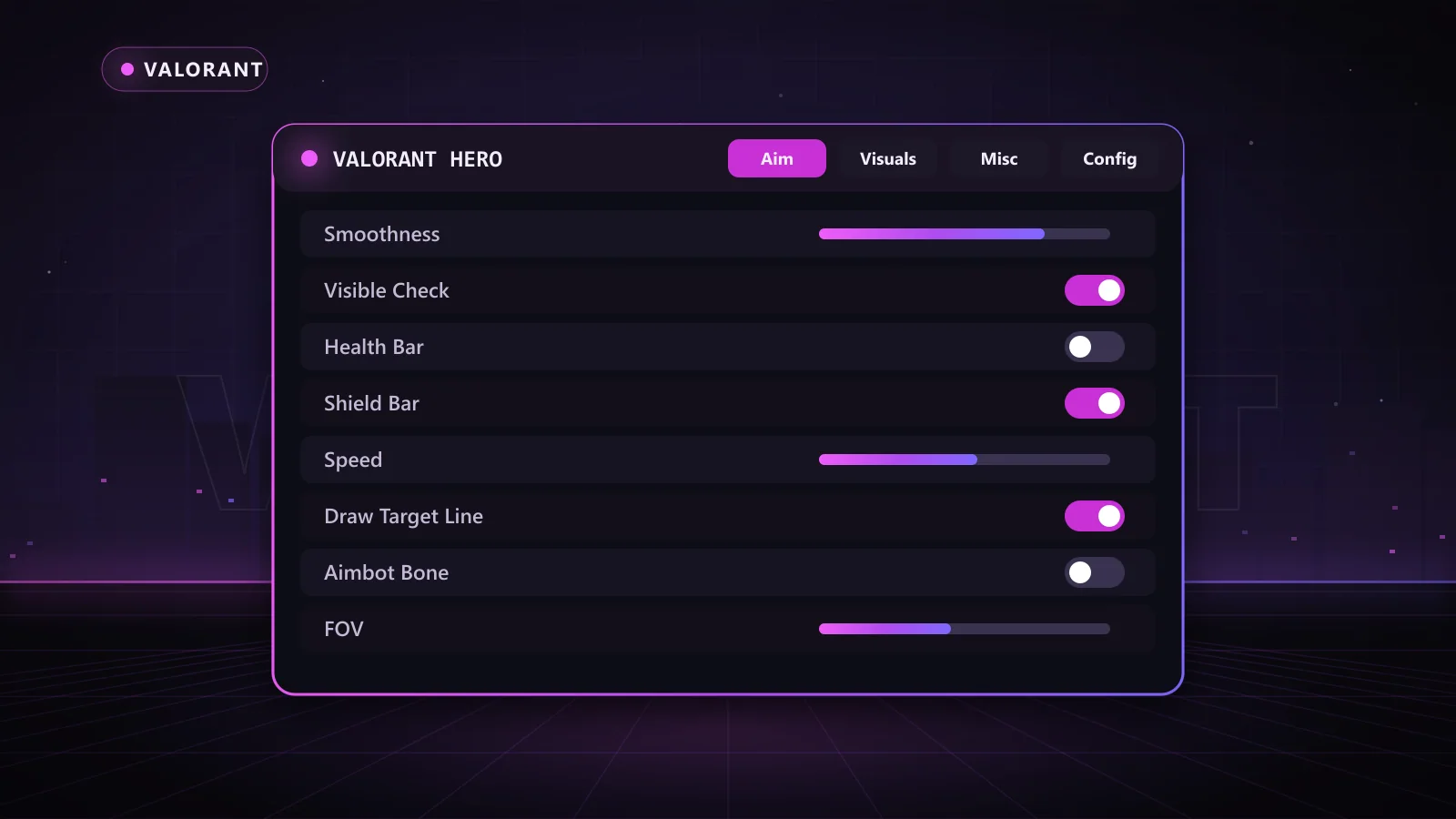
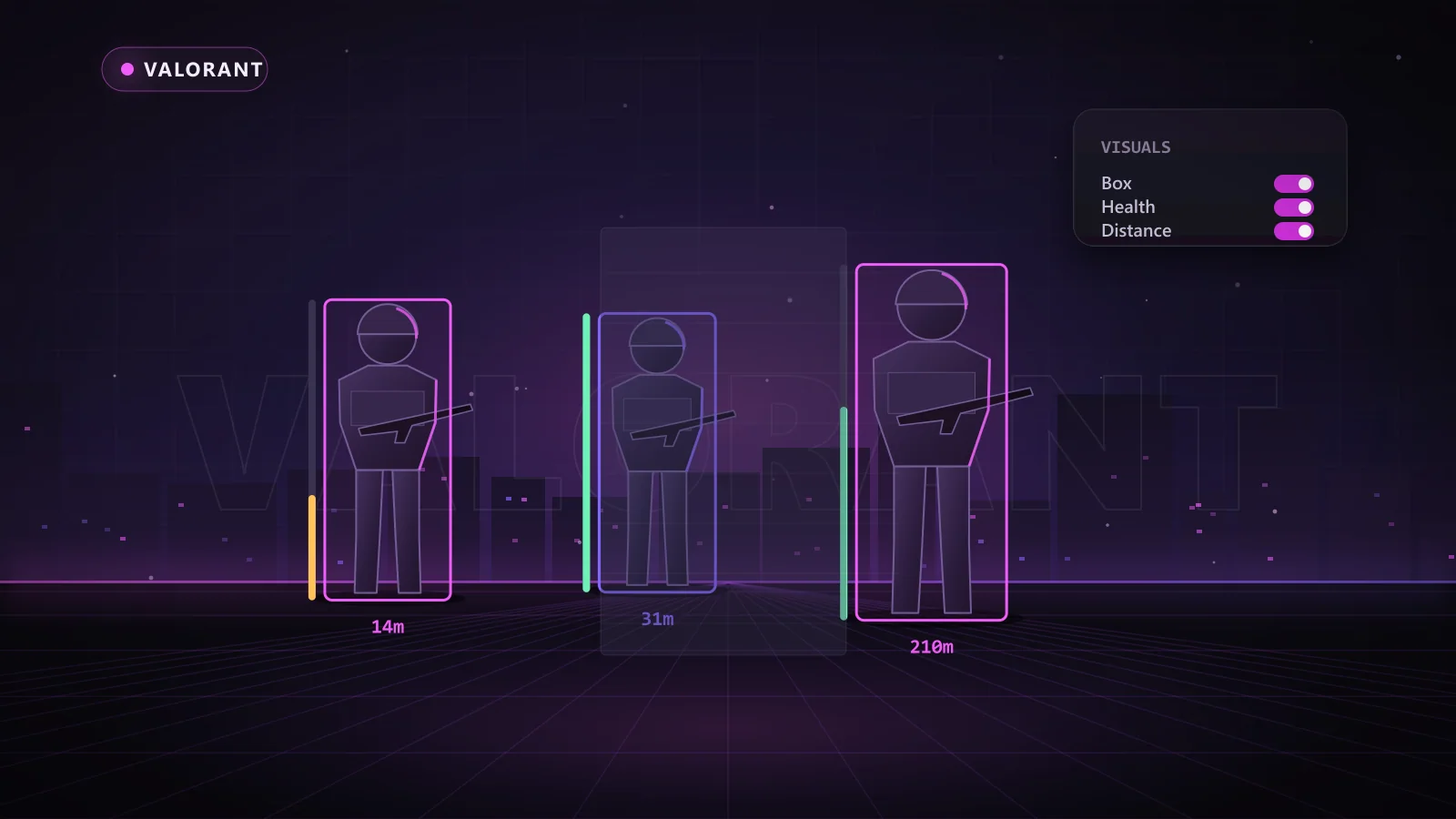
Valorant Hero is the full software package. Its aimbot has FOV, smoothness, speed, stickiness, an aimbot filter, bone selection and visible check, and the ESP includes skeletons, health and shield bars, agent info, gear levels and spike and ability tracking. Keys come in 1 day, 1 week, 1 month and lifetime lengths.
Valorant 1PC Colorbot
The Valorant 1PC Colorbot takes a different route: a no-injection, color-based aimbot that runs on one PC and sends input through Makcu, Ferrum or KmBox Net hardware. It offers WindMouse, Bezier and normal aim modes, auto or normal FOV, two aim configurations, head offset and a recoil control system with strength and delay. Keys come in 1 week, 1 month, 3 month and 1 year lengths.
Valorant RKX DMA
For the strongest hardware separation, Valorant RKX DMA runs on a second PC with a DMA card. It brings raytrace-based visibility checks, variable X/Y smoothing, per-weapon groups and settings, a raytrace-based triggerbot, a high-performance DMA overlay and skeleton ESP, optimized for Makcu, Ferrum and KmBoxNet hardware.
Valorant Monarch
Valorant Monarch offers mouse and memory aim with an adjustable FOV from 1 to 360 degrees, smoothing, raycast visibility checks and bone selection, plus cornered or 2D box ESP, skeletons, health bars and recoil control.
Pick your approach and climb. Check the live status page to see what is current right now, then choose your product and key length.
DMA Firmware for Vanguard
A DMA setup is only as good as its firmware. The 1:1 Custom FW - EAC/BE/VGK lists support for Vanguard alongside BattlEye, Easy Anti-Cheat and ACE, on 35T, 75T, 100T and ZDMA cards. It includes full BAR support, full emulated configuration space, a unique driver, DNA locking to your card, AnyDesk help to flash and a 1 month warranty. Pair it with the Chams 75T card, a fuser for the overlay and a Makcu for input, or grab the 75T bundle with the EAC/BE/VGK tier selected.
Smart Habits for Valorant
- Check status after every patch. Valorant updates often, and the status page shows when each product is current.
- Keep aim human. Use smoothing, sensible FOV and visibility checks; flicks that no human could make stand out in server analysis.
- Use ESP for timing. Knowing when a push is coming wins rounds without tracking through walls.
- Match the key to your goal. Try a short key first, then lock in a longer one once your settings feel right.
Why Choose Chams for Valorant
Chams gives you four Valorant approaches, from full software to colorbot to DMA, plus firmware that lists Vanguard support. You get a live status page, frequent updates, real support for setup and hardware questions, and keys delivered automatically right after payment in day, week, month, year or lifetime lengths depending on the product.
Frequently Asked Questions
What is the Valorant anti cheat called?
It is called Riot Vanguard. It uses a kernel driver (vgk) that loads at Windows boot and a client service (vgc) that runs alongside the game.
Why does Vanguard need a restart?
The driver must load when Windows starts so it is running before other software. A restart after installing or updating Vanguard makes that happen.
What does VAN 152 mean?
VAN 152 is widely reported as a hardware ban. Reinstalling the game does not clear it, because it is tied to the PC's hardware identifiers.
Is a colorbot or DMA better for Valorant?
A colorbot like the Valorant 1PC Colorbot is a one-PC hardware-assisted option. DMA, such as Valorant RKX DMA, uses a second PC for full separation and richer features like ESP overlays.
Does Vanguard run on League of Legends too?
Yes. Riot has rolled Vanguard out to League of Legends as well as Valorant.
Win More Rounds in Valorant
Vanguard is strict, but the right setup still gives you a real edge. Start with Valorant Hero for the full aimbot and ESP package, or compare every option on the Valorant cheats page. Check the status page, choose your key length, and start climbing.