
 Ships From USA
Chams DMA
DMA Hardware.
Cards, Firmware & More.
DMA cards, firmware, fusers, and complete setups—all in one place.
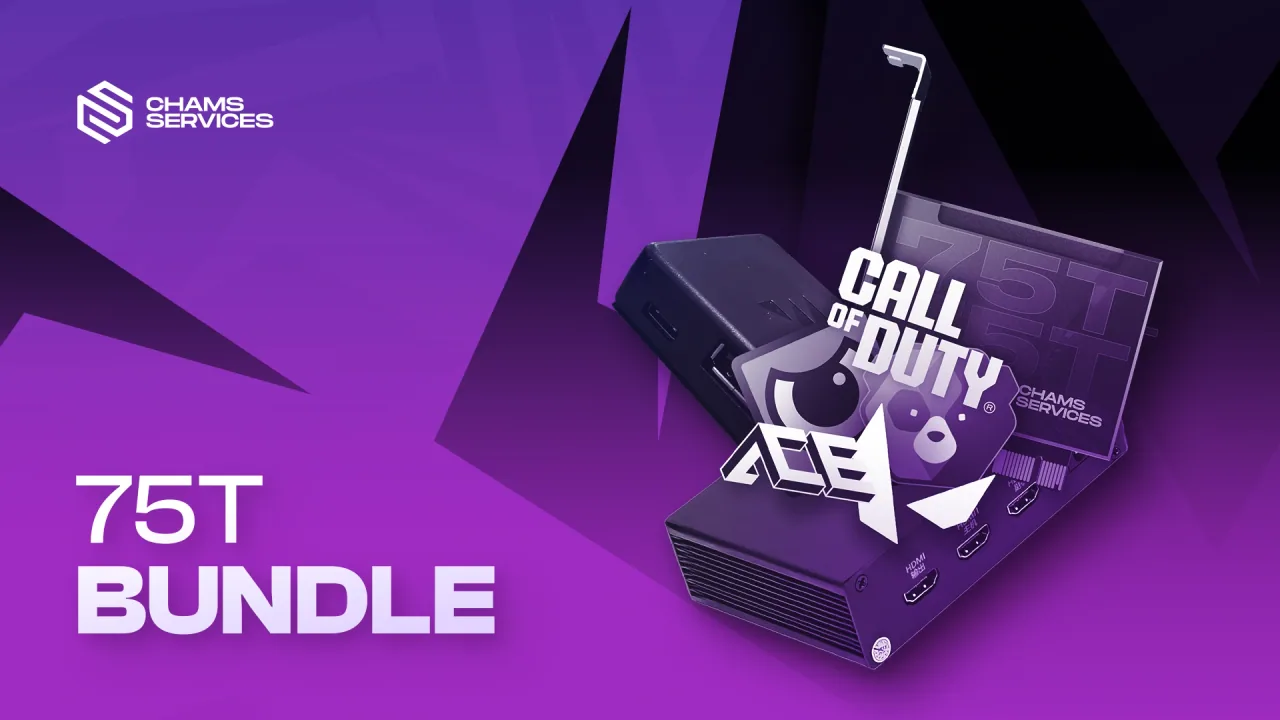
Bundles
Full setups ready to go.
1 product
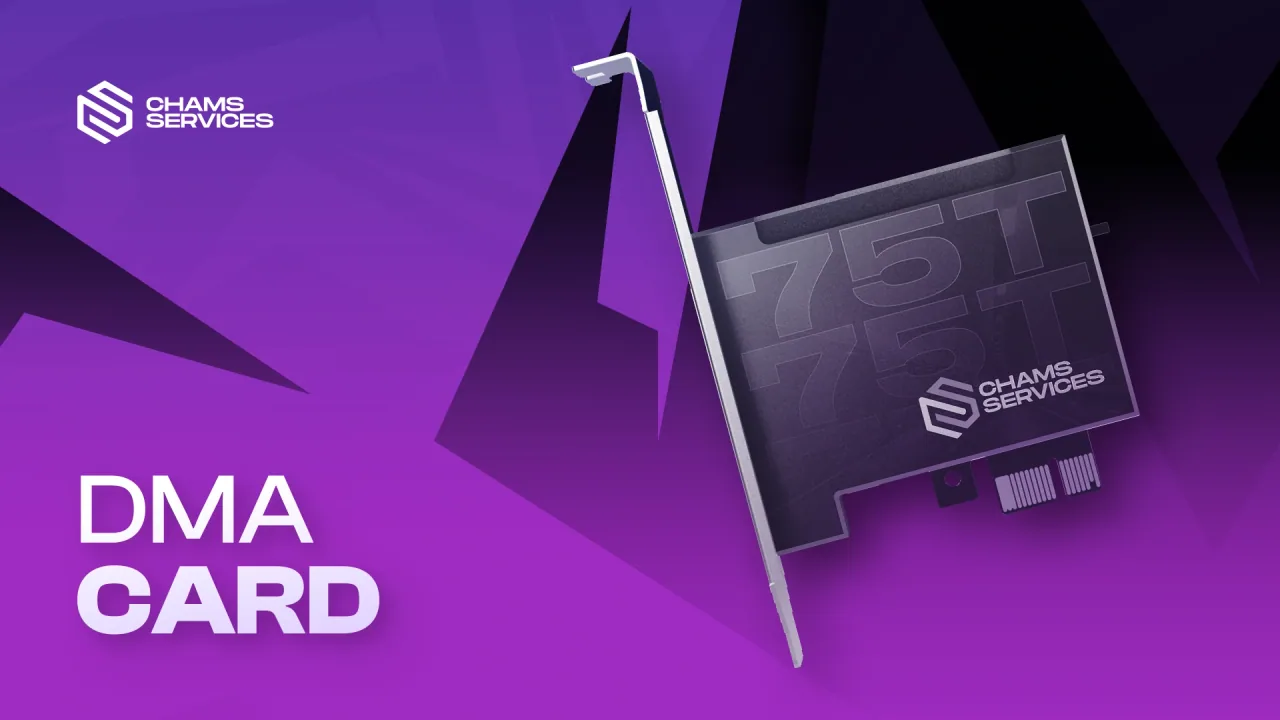
Ships From USACards
PCIe DMA boards.
1 product
Firmware
Custom card firmware.
3 products
Fusers
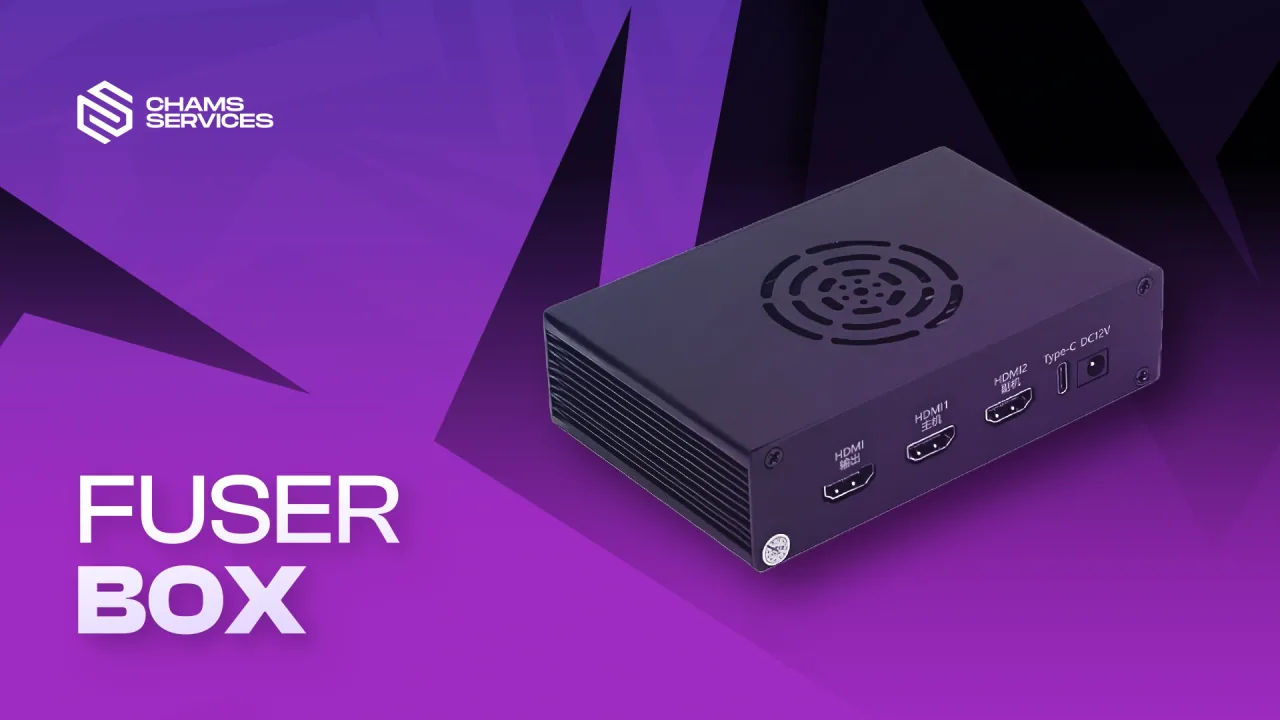
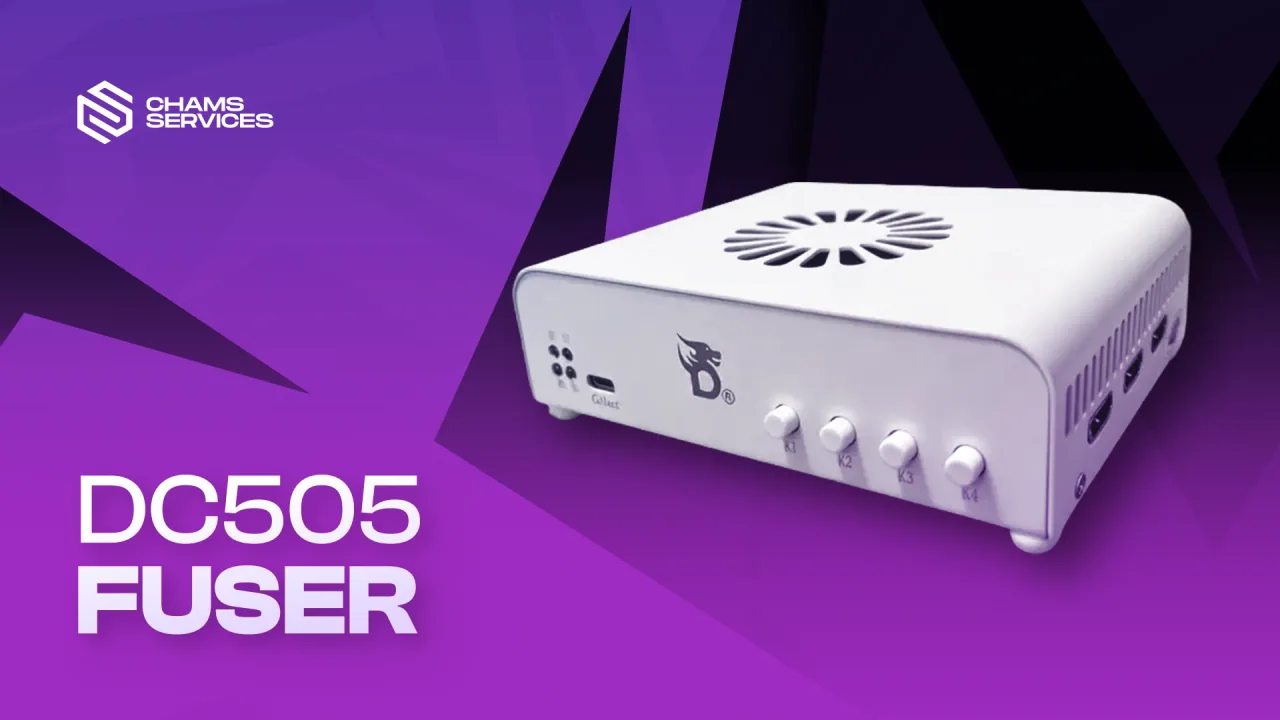
Display fusion hardware.
2 products
Aiming devices
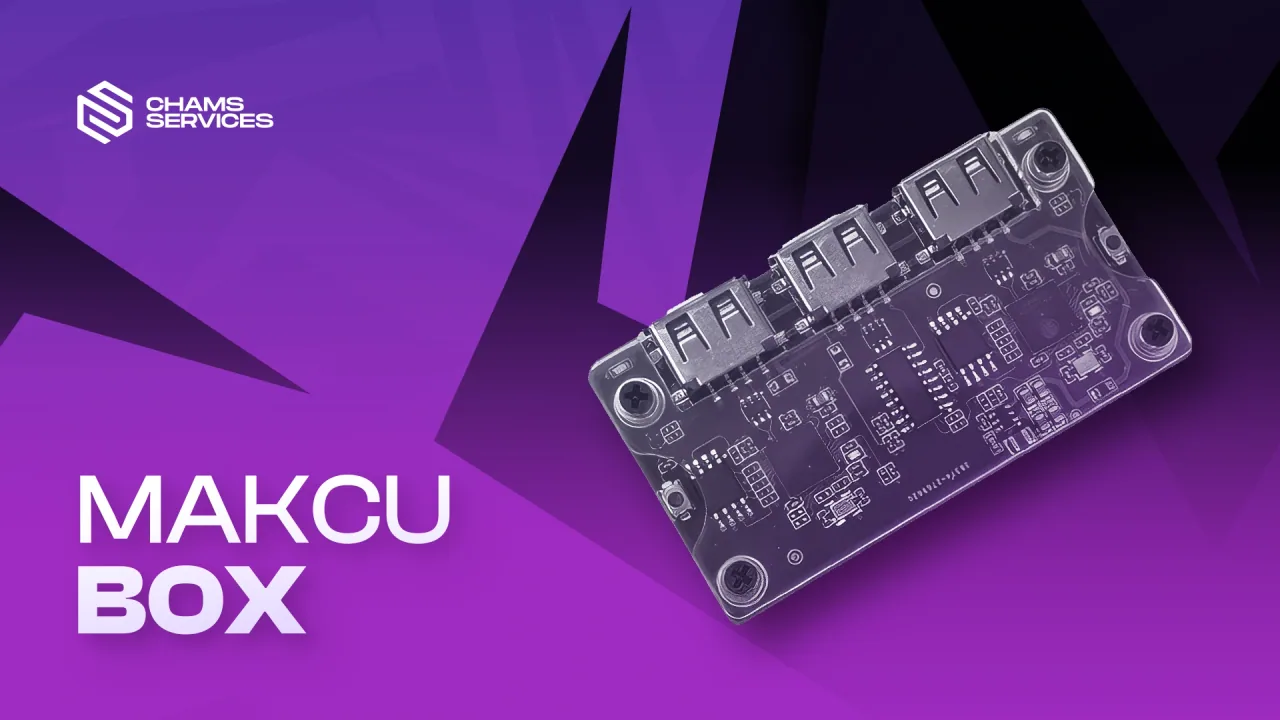
Makcu and input hardware.
1 product
DMA Hardware and Firmware
Compare DMA cards, firmware, fusers, and input hardware in one place. The DMA collection is organized around complete setups as well as individual upgrade parts, so you can start with a bundle or replace one component without searching through unrelated software listings.
Choose the Right DMA Setup
Begin with the hardware you already own. A first-time setup normally needs a compatible DMA card, the correct firmware, and any cabling or fuser hardware required by the selected configuration. Existing owners can compare standalone firmware and accessory listings against their exact card model before ordering.
DMA Cards and Bundles
Bundles group the primary hardware needed for a new setup. Standalone cards are intended for customers who already have the remaining components or want a specific replacement.
Firmware Options
Firmware listings describe their supported card and intended configuration. Match the firmware to the hardware named on the product page rather than assuming every file works with every DMA card.
Fusers and Input Hardware
Fusers combine video sources, while input devices support separate control workflows. Review the connector type, resolution, refresh-rate, and computer requirements listed for each device.
Before You Order
Check the product status, included components, shipping details, and setup guide. Hardware availability and digital firmware delivery are shown separately so the expected fulfillment method is clear before checkout.
Frequently Asked Questions
Is every DMA product a complete kit?
No. Some listings are full bundles, while others are individual cards, firmware packages, fusers, or input devices. The included-items section identifies what comes with each product.
Can I use firmware with any DMA card?
Use firmware only with the compatible card and configuration named on its product page. Contact support with your exact model if compatibility is unclear.
What should I check for a fuser?
Confirm the video inputs, output format, supported resolution, refresh rate, and cables required by your two-computer setup.
Where are the setup instructions?
Open the product guide for the exact item you purchased. It contains the product-specific connection, driver, and configuration steps available for that item.
DMA questions
Before you place the order.
Should I buy a bundle or separate parts?
Choose a bundle when starting from zero. Separate parts make sense when you already own some hardware and know your exact card model.
Which firmware option do I need?
Choose by the anti-cheat families used by your games. If you are unsure, send support your game list before purchasing.
Do I need a fuser?
A fuser is used when you want the game feed and second-PC overlay on one display. Match it to your resolution and refresh rate.
How are firmware and hardware delivered?
Firmware is digital. Cards, fusers, bundles, and aiming devices ship with tracking and order updates in your account.
Can support help me pick a setup?
Yes. Send your second-PC specs, card model if you already own one, monitor details, and the games you want to play.
Not sure what to order?
Tell support your current parts and game list and we'll point you to the right products.