
Game category
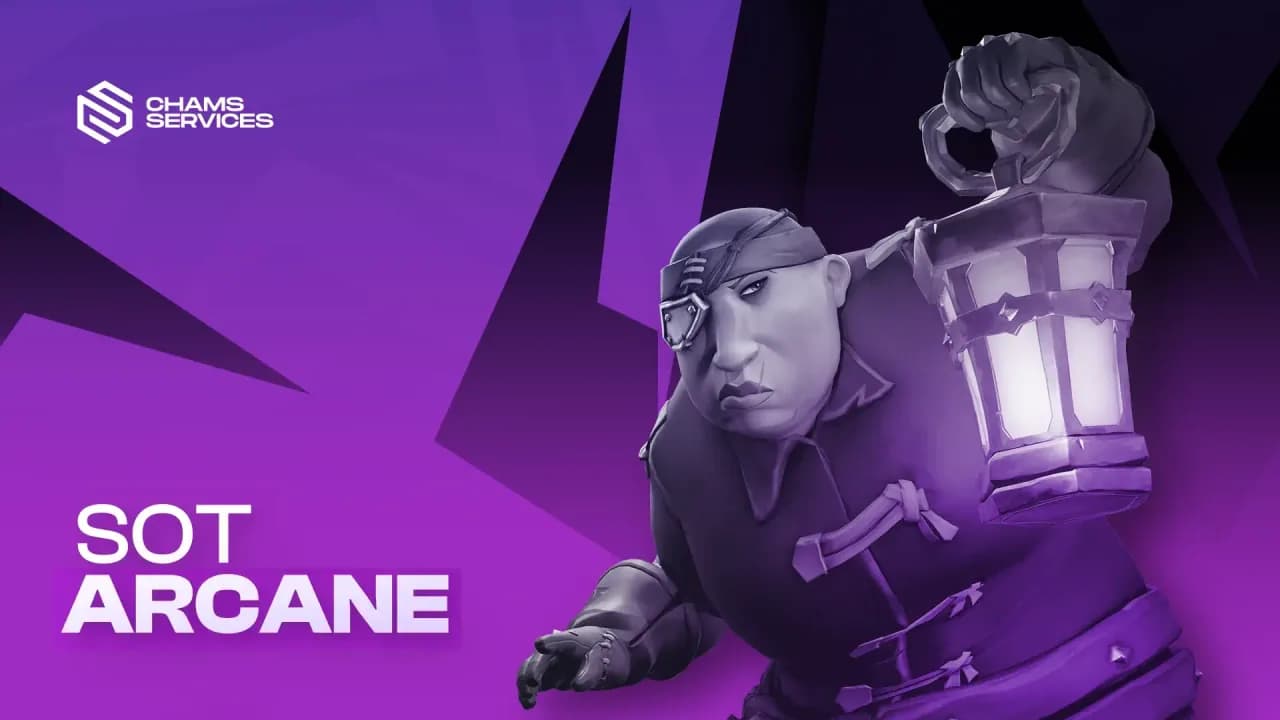
Sea of Thieves Cheats & Hacks
Compare features, prices, and live status before choosing a product.
Sea of Thieves products
Sea of Thieves Product Guide
Review the current Sea of Thieves product, supported launcher, feature list, variants, and live status. Use the category page to reach the product details and the attached guide for the exact launch sequence.
Compatibility Checklist
Confirm the supported Sea of Thieves platform and launcher, Windows version, display mode, and required components. Steam and Microsoft Store installations may use different files and paths, so match the listing to the version you own.
Configure in Stages
Launch the game normally first, close it fully, and then follow the product guide. Verify the menu with default settings before adjusting visuals, targeting, or hotkeys. Save a known working configuration before testing additional changes.
Troubleshooting
After a game update, check status before repeating the setup. If the loader reports an error, preserve the exact text and avoid substituting files or instructions from another product.
Frequently Asked Questions
Are Steam and Microsoft Store versions identical?
They can use different launchers and installation paths. Follow the platform compatibility stated on the product page.
Where is the current download?
Use the Loader Download button displayed on the purchased product's guide page.
Why start with default settings?
Defaults provide a repeatable baseline and make configuration problems easier to isolate.
What information should a support ticket include?
Include your order number, launcher, Windows build, game build, exact error, and the last successful guide step.
Check out more cheats for other popular games
Browse popular game categories with current products, pricing, and live status.

Apex Legends
4 Products
From
$6.99
Black Ops 7
3 Products
From
$4.99
Counter Strike 2
3 Products
From
$3.99
DMA
8 Products
From
$37.99
Escape from Tarkov
7 Products
From
$2.49

Fortnite
4 Products
From
$5.99
HWID Spoofer
3 Products
From
$5.99
Marvel Rivals
3 Products
From
$5.99
PUBG
2 Products
From
$5.99
Rainbow Six Siege
5 Products
From
$5.99
Rust
6 Products
From
$6.99
Valorant
4 Products
From
$4.99
We're here to help